1
Familiarise yourself with your telephone
Basic rules of operation
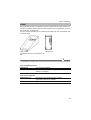
You can select and use most of the functions using the menu. To make operation
easier, you can assign frequently used functions to the function keys. Some keys
have already been assigned functions in their factory settings.
Basic rules of operation
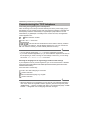
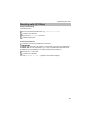
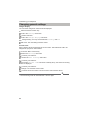
Selecting functions in the menu
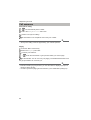
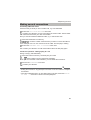
Press the "Menu" function key.
or
scroll to the desired menu item.
Confirm your selection. The selected function is displayed. A submenu also
appears in many cases. You can scroll in the submenu just as you can in the menu.
i
Notes
• You can find all the functions in the menu overview.
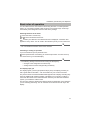
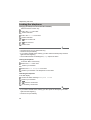
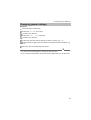
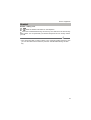
Cancelling or exiting an operation
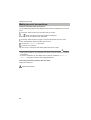
If you have made an input or parameter error:
Press (several times if necessary) to cancel the procedure. You then move up
one menu level or go to the idle display.
i
Note
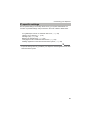
• The following settings cannot be undone using the Escape key:
• Changes to the assignment of function keys
• Settings that have been changed using the OK key.
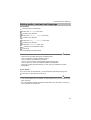
The display helps you
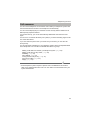
The displays guide you through operation step by step. The display provides you
with a great deal of information, such as the status of your current connection.
The phone number of all external ISDN callers appears in the display, assuming they
have not disabled call number ID display. This allows you to see who is calling. If
name and call number of the caller have been stored in your telecommunications
system, you will see the caller’s name.
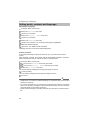
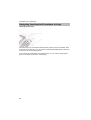
The four keys under the display have different functions depending on the operation
you are currently performing. You can read the current function of each key in the
display.
11