1
PBPS User Manual
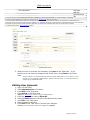
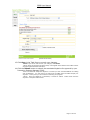
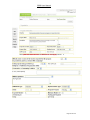
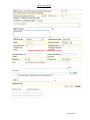
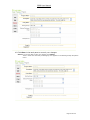
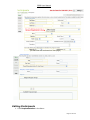
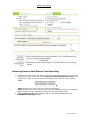
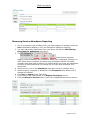
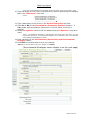
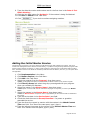
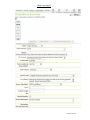
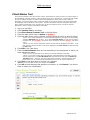
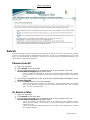
(Partial Screen Shot)
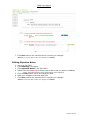
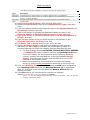
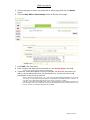
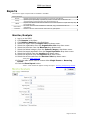
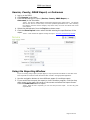
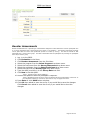
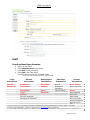
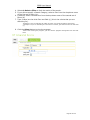
13. Click Save in the Task Pane to commit your changes.
*Note: If you do not want to save your changes, click Cancel.
**Note: Once the objective has been saved, it will appear at the bottom of the table of other
objectives associated with that factor.
14. Click the Submit button to submit the associated objective for approval by your
Prevention Systems Manager (PSM).
*Note: The PSM will accept the objective or contact you with recommendations for editing
and resubmission. You will receive an email from the PBPS when the PSM accepts your
objective. At this point you can continue to develop your program.
**Note: Once the Objective is submitted, it cannot be edited. Please check that the
objective is complete and accurate.
Page 17 of 102