1
GPIO
Chapter 4
!
S/W Installation
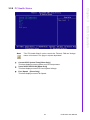
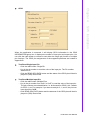
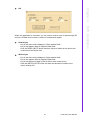
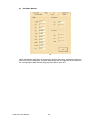
When the application is executed, it will display GPIO information in the GPIO
INFORMATION group box. It displays the number of input pins and output pins. You
can click the radio button to choose to test either the single pin function or multiple
pin functions. The GPIO pin assignments of the supported platforms are located in
Appendix B.
!
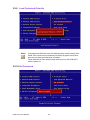
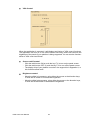
Test Read Single Input Pin
– Click the radio button- Single-Pin.
– Key in the pin number to read the value of the input pin. The Pin number
starts from '0'.
– Click the READ GPIO DATA button and the status of the GPIO pin will be displayed in (R/W) Result field.
!
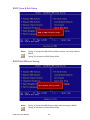
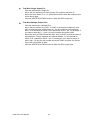
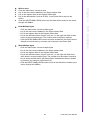
Test Read Multiple Input Pin
– Click the radio button- Multiple-Pins.
– Key in the pin number from '0x01' to '0x0F' to read the value of the input pin.
The pin numbers are ordered bitwise, i.e. bit 0 stands for GPIO 0, bit 1 stands
for GPIO 1, etc. For example, if you want to read pin 0, 1, and 3, the pin numbers should be '0x0B'.
– Click READ GPIO DATA button and the statuses of the GPIO pins will be displayed in (R/W) Result field.
59
PCM-4373 User Manual