1
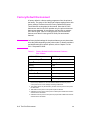
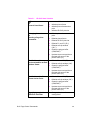
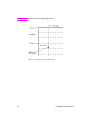
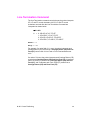
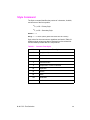
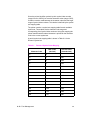
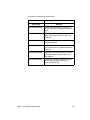
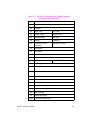
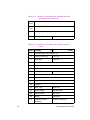
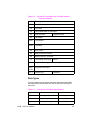
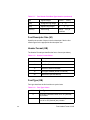
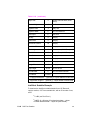
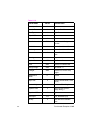
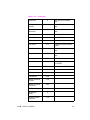
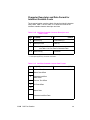
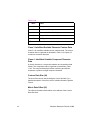
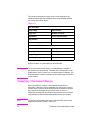
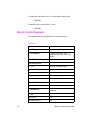
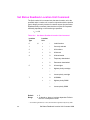
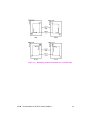
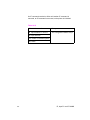
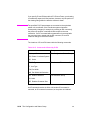
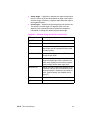
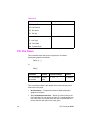
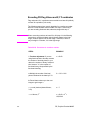
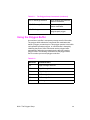
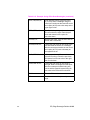
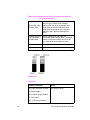
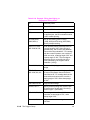
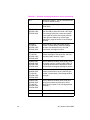
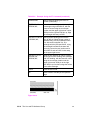
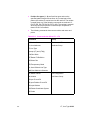
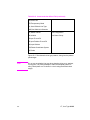
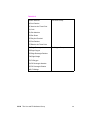
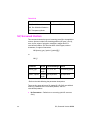
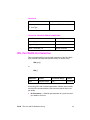
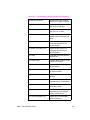
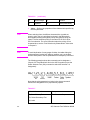
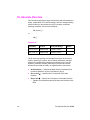
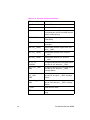
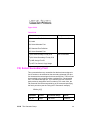
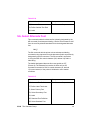
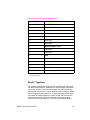
Table 22-20
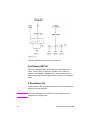
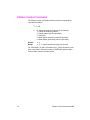
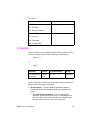
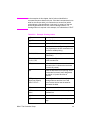
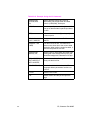
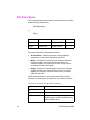
Related Commands
Group
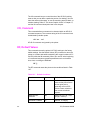
PW, Pen Width
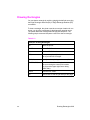
The Line and Fill Attributes Group
WU, Pen Width Unit Selection
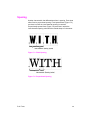
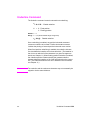
TR, Transparency Mode
SV, Screened Vectors
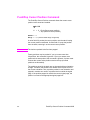
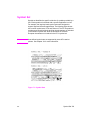
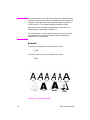
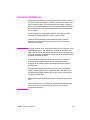
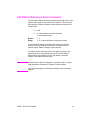
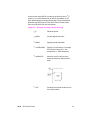
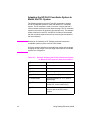
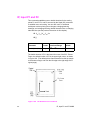
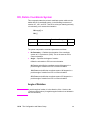
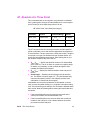
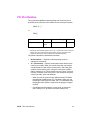
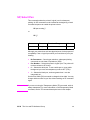
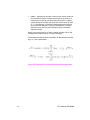
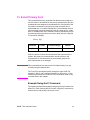
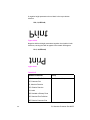
This command selects the type of screening (area fill) to be applied to
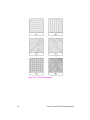
vectors. Options include lines, hatching patterns (fill types 3 and 4),
arcs, circles, edges of polygons, rectangles, wedges and PCL
user-defined patterns. SV does not affect solid fill types, stroked
characters, or edges of characters.
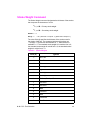
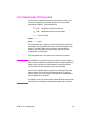
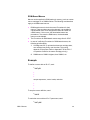
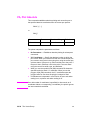
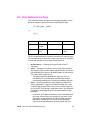
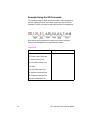
SV [screen_type [,option1 [,option2]]][;]
or
SV [;]
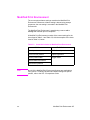
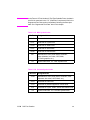
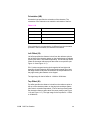
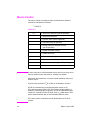
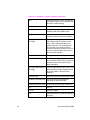
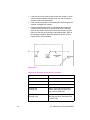
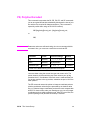
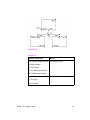
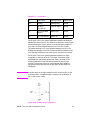
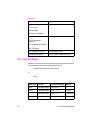
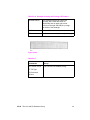
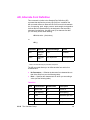
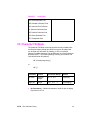
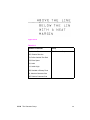
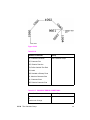
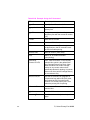
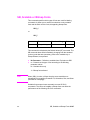
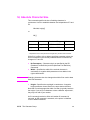
Parameter
Format Functional Range Default
screen_type
clamped 0, 1, 2, 21, 22
integer
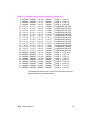
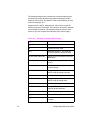
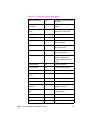
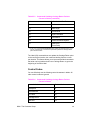
option1, option2 clamped type dependent*
integer
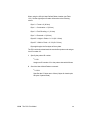
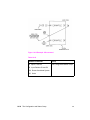
No screening (solid)
type dependent
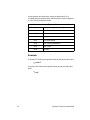
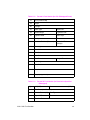
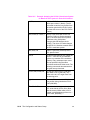
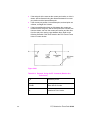
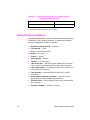
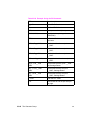
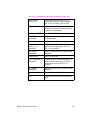
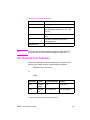
* Refer to the table following the parameter descriptions.
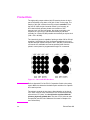
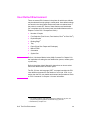
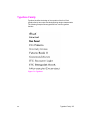
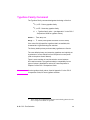
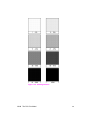
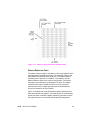
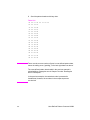
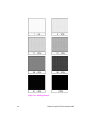
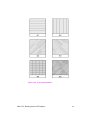
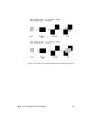
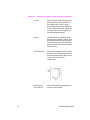
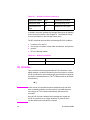
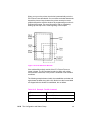
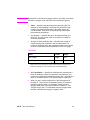
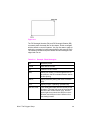
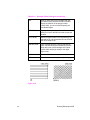
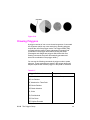
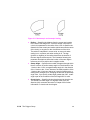
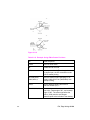
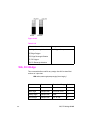
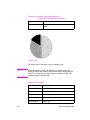
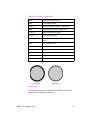
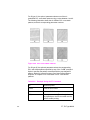
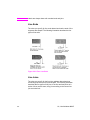
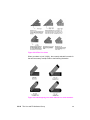
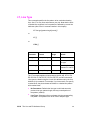
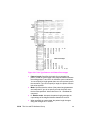
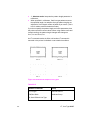
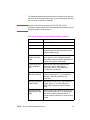
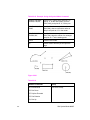
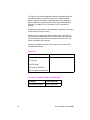
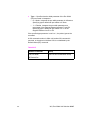
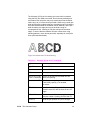
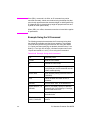
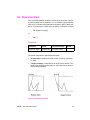
There are four types of screen fill: shaded fill, HP-GL/2 user-defined
raster fill, predefined PCL cross-hatch patterns, and PCL
user-defined patterns.
z
EN
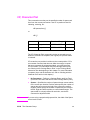
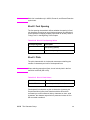
No Parameters— Defaults to no screening (solid fill--same as
SV0;).
SV, Screened Vectors 22-39