1
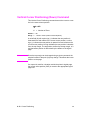
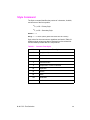
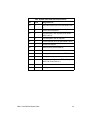
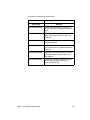
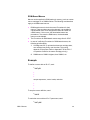
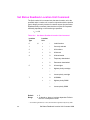
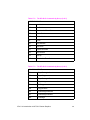
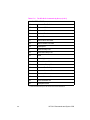
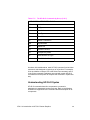
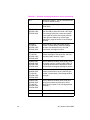
If the Page Size command selection differs from that of the installed
paper tray size and the requested page size is not currently available
in another non-secure source, then a message is displayed on the
control panel requesting installation of a paper tray of the specified
size.
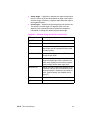
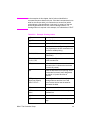
Note
The Page Size command is not supported on the HP LaserJet,,
LaserJet+, or the LaserJet 500+ printers.
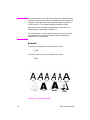
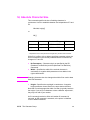
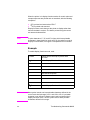
Example
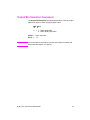
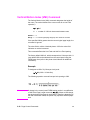
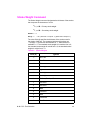
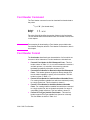
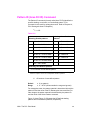
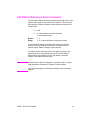
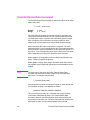
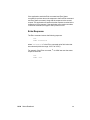
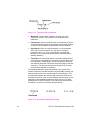
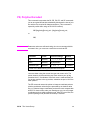
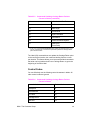
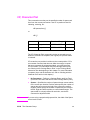
To select a legal size page, send:
? & l3A
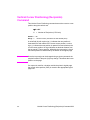
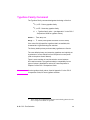
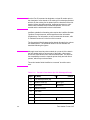
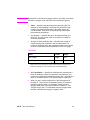
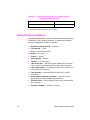
If the current source paper tray is “LETTER” and the requested page
size is not currently available in another non-secure source the
following attendance message is displayed:
xx 1 ‘‘LOAD LEGAL’’
1 xx = A two-letter mnemonic depending on the printer.
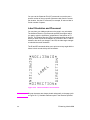
When the printer senses the existing paper supply has been removed
and replaced with the requested paper size, the print job continues
automatically.
EN
Page Size Command 5-3