1
HOW TO USE THE MANUAL MODE
Note: After you press a button, it will take a
moment for the ramp to reach the selected incline
level.
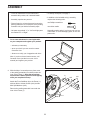
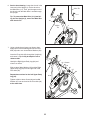
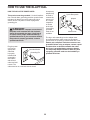
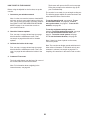
1. Touch the screen or press any button on the
console to turn on the console.
4. Follow your progress.
See HOW TO TURN ON THE POWER on
page 22.
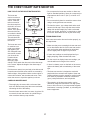
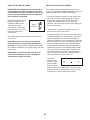
The console offers several display modes. The
display mode that you select will determine which
workout information is shown.
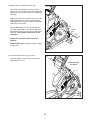
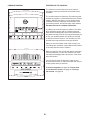
2. Select the main menu.
When you turn on the console, the main menu will
appear on the screen after the console boots up.
To select the desired display mode, simply flick or
slide the screen. You can also view additional workout information by touching the red boxes on the
screen.
Touch the home button in the lower left corner of
the screen to return to the main menu at any time.
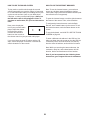
If desired, keep your pedaling speed near the
target rpm. The target zone meter will prompt you
to increase, decrease, or maintain your pedaling
speed.
3. Change the resistance of the pedals and the
incline of the ramp as desired.
Touch the Start button on the screen, press the
Manual button on the console, or begin pedaling.
If desired, adjust
the volume level by
pressing the volume
increase and decrease
buttons on the
console.
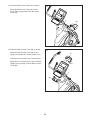
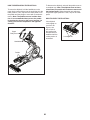
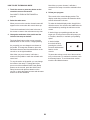
As you pedal, you can change the resistance of
the pedals. To change the resistance, press the
Resistance increase and decrease buttons on the
console or on the right handlebar.
Note: After you press a button, it will take a
moment for the pedals to reach the selected resistance level.
To pause the workout, touch one of the menu buttons on the screen. To continue the workout, touch
the Resume button. To end the workout session,
touch the End Workout button.
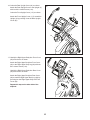
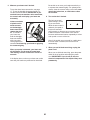
To vary the motion of the pedals, you can change
the incline of the ramp. To change the incline,
press one of the numbered Quick Power Ramp
buttons on the console, press the Quick Power
Ramp increase and decrease buttons on the
console, or press the Ramp increase and decrease
buttons on the left handlebar.
24