1
Troubleshooting
6
6.5
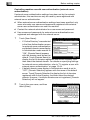
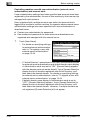
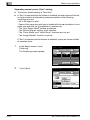
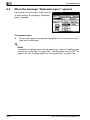
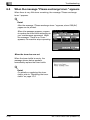
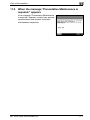
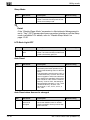
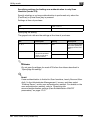
When the message “Please exchange toner.” appears
When there is very little toner remaining, the message "Please exchange
toner." appears.
!
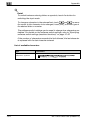
Detail
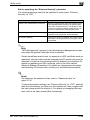
After the message "Please exchange toner." appears, about 500 (A4)
pages can be printed.
When the message appears, prepare
to replace the toner bottle according to
your maintenance agreement. When
the message "There is no Toner."
appears, the machine stops operating.
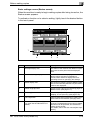
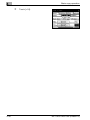
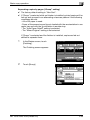
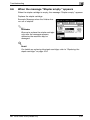
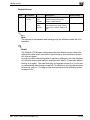
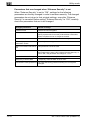
When the toner has run out
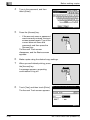
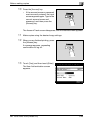
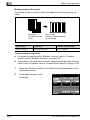
When the toner bottle is empty, the
message shown below appears.
Immediately replace the toner bottle.
!
Detail
For details on replacing the toner
bottle, refer to "Replacing the toner
bottle" on page 10-3.
6-26
MP 1025/1020/1035 (Phase 2.5)