1
Practical application of your Moisture Analyzer
29
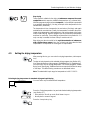
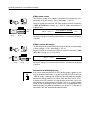
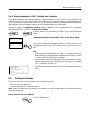
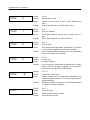
TEMπ∞ 100
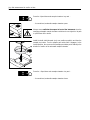
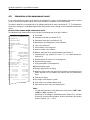
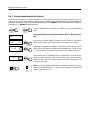
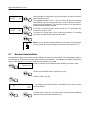
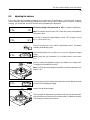
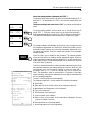
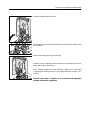
Entering the drying temperature and hold time for the first step:
The instrument prompts you to define the temperature for the first step. Enter
the desired temperature.
Press the «Accept entry» key.
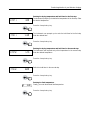
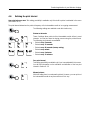
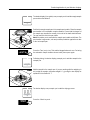
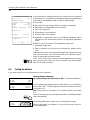
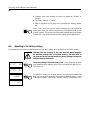
TIM™∞ ⁄30
The instrument now prompts you to enter the hold time for the first step.
Enter the desired time.
Press the «Accept entry» key.
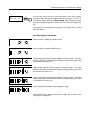
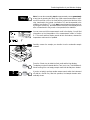
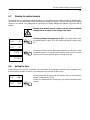
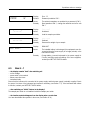
TEMπ” 125
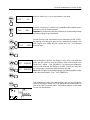
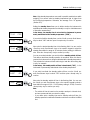
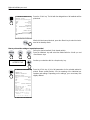
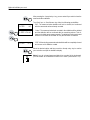
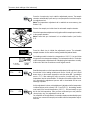
Entering the drying temperature and hold time for the second step:
The instrument now requests entry of the temperature for the second step.
Enter the desired temperature.
Press the «Accept entry» key.
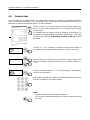
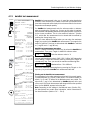
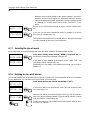
Define the hold time for the second step.
TIM™” ‹00
Press the «Accept entry» key.
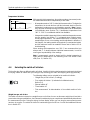
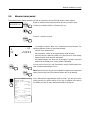
160
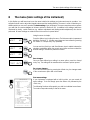
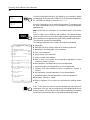
Entering the final temperature:
Finally, you enter the desired final temperature.
Press the «Accept entry» key.