1
bb104614.book Page 137 Friday, March 22, 2002 10:27 AM
Chapter 5 – Viewing Results
Viewing Spectrum Levels
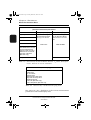
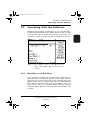
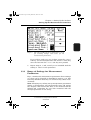
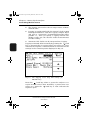
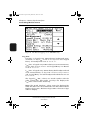
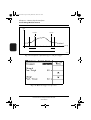
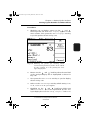
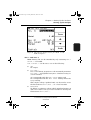
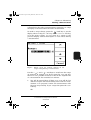
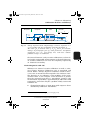
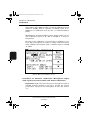
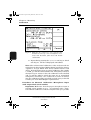
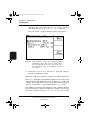
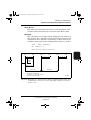
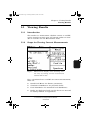
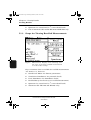
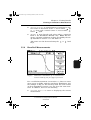
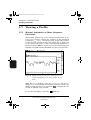
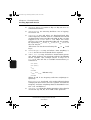
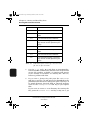
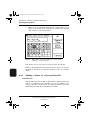
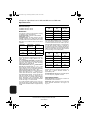
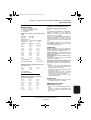
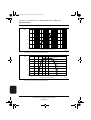
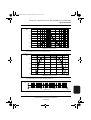
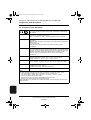
Fig.5.14 Example of a Display Set-up menu in the
Measurement mode
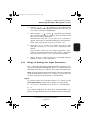
●
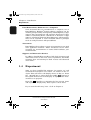
<Meas. No.>: to
increment or
decrement the
measurement number in a recalled measurement sequence or logged measurement.
●
<Event No.>: to
increment or
measurements (BZ 7206 only).
●
<Sample No.>: to
increment or
decrement the
event sample number in a recalled event (BZ 7206 only).
decrement event
5.10 Viewing Spectrum Levels
5.10.1 Current Measurements
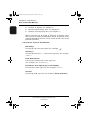
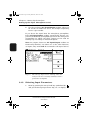
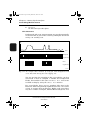
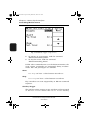
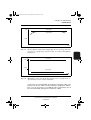
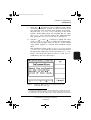
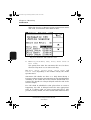
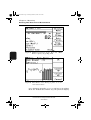
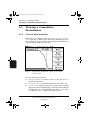
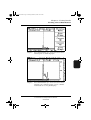
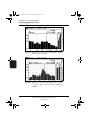
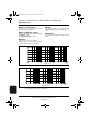
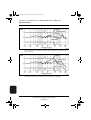
With Fig. 5.1 on display, press the <Spectrum> soft key to
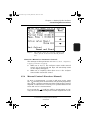
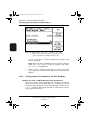
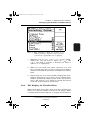
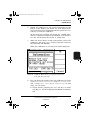
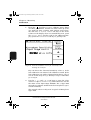
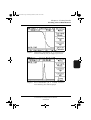
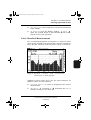
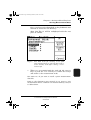
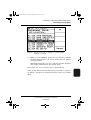
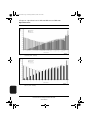
display a spectrum. Fig. 5.15 shows an example of the current
octave-band spectrum. Fig. 5.16 shows an example of the current 1/3-octave band spectrum.
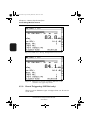
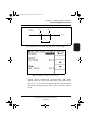
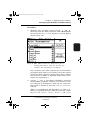
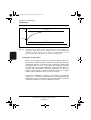
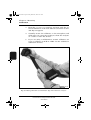
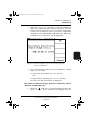
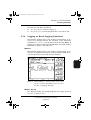
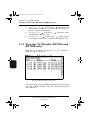
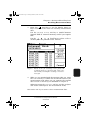
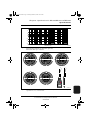
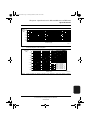
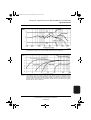
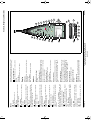
To see the full display, press the
see Fig. 5.17.
BB1046 – 14
hard key, for example
Sound Analysis Software BZ 7210/BZ 7219 and
Enhanced Sound Analysis Software BZ 7206
User Manual
137