1
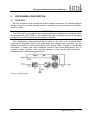
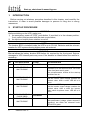
Front panel
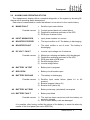
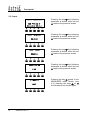
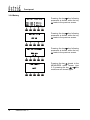
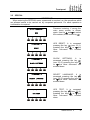
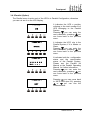
< SPECIAL >
BATTERY TEST
< SPECIAL >
RESET HISTORY
< SPECIAL >
EXIT
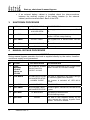
BATTERY TEST. It is accessed
pressing the key
(see 3.5.5),
pressing the keys
or
the
other sub-menu are scrolled
down.
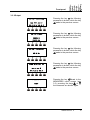
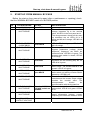
RESET HISTORY. It is accessed
(see 3.5.6),
pressing the key
pressing the keys
or
the
other sub-menu are scrolled
down.
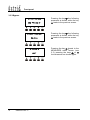
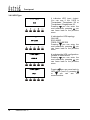
Pressing the key
the main
menu screen is shown, pressing
or
the other subthe keys
menu are scrolled down.
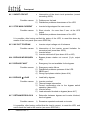
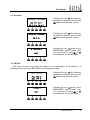
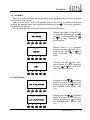
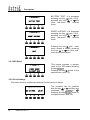
3.5.1 UPS Reset
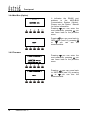
< RESET >
PRESS RESET
TO RESET UPS
This menus provides a general
reset of the UPS status pressing
.
the key
leads to the
Pressing the key
special menu (see 3.5).
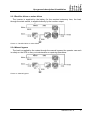
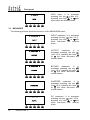
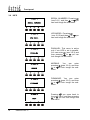
3.5.2 Clock Settings
This menu allows to update time settings for the history of alarms.
< CLOCK SETTINGS >
25-12-2001
22
OM497012 Rev. C
18:48
The numbers can be modified
with the key
or
and they are
confirmed by pressing
.
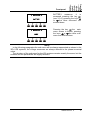
Pressing the key
leads to
the special menu (see 3.5).