1
Configuring the Adapter
Chapter 3
Configuring the Adapter Using DHCP/BOOTP Utility
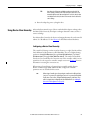
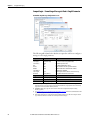
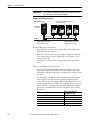
1. Verify and note the adapter’s hardware Ethernet Address (MAC), which
will be used in Step 6. There are two ways to do this:
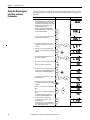
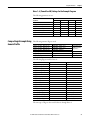
• Use the PowerFlex 525 drive’s keypad or a HIM to access the diagnostic
parameters of the drive. Scroll to parameters F687 [HW Addr 1]
through F692 [HW Addr 6] to view the adapter’s hardware Ethernet
Address (MAC). Finally, convert these decimal values to a hex value.
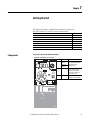
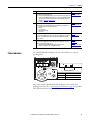
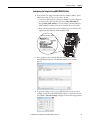
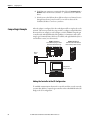
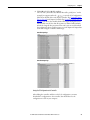
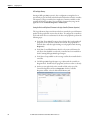
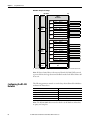
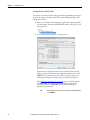
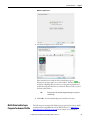
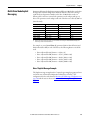
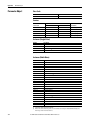
• Remove the PowerFlex 525 control module front cover and locate the
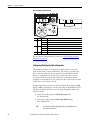
adapter’s hardware Ethernet Address (MAC) label.
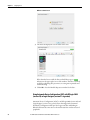
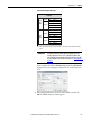
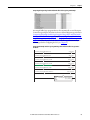
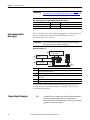
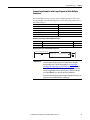
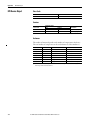
Ethernet Address label example
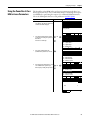
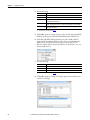
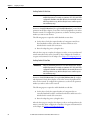
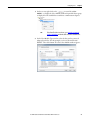
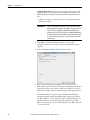
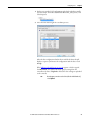
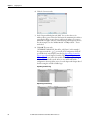
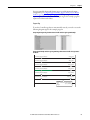
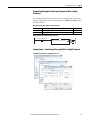
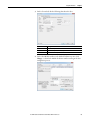
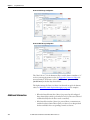
2. On a computer connected to the EtherNet/IP network, start the
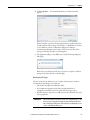
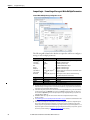
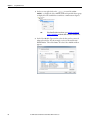
BOOTP/DHCP software. The BOOTP/DHCP Server window
appears.
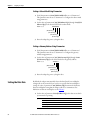
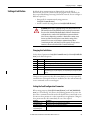
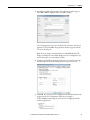
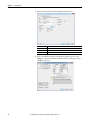
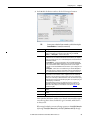
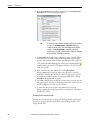
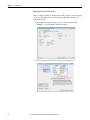
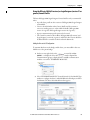
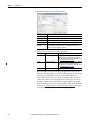
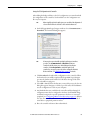
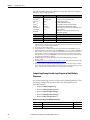
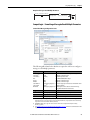
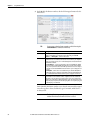
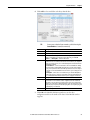
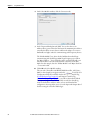
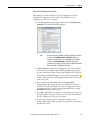
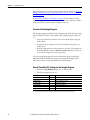
3. To properly configure devices on your EtherNet/IP network, you must
configure settings in the BOOTP/DHCP software to match the network.
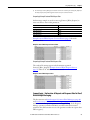
Select Tools > Network Settings to display the Network Settings window.
Rockwell Automation Publication 520COM-UM001B-EN-E - March 2013
27