1
7.There is always staff away for business, asking for leave and forgetting clock happening in a company. Once it
occurs, please deal with it in time in the software to ensure the correctness of the statistic report.
8.After all the above mentioned operation is done, the calculation of report can be operated. The report can
calculate the time attendance status of all Employee or a certain Employee from a certain department in a certain time
period.
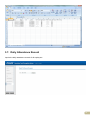
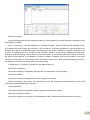
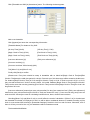
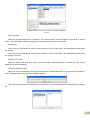
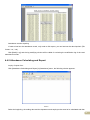
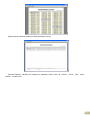
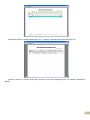
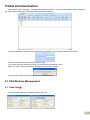
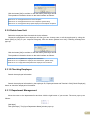
In【Attendance Calculating and report】, first please select the starting and ending date of the Employee, click
“Calculate” and the system will calculate automatically and check the validity of the records. (There are some invalid
records during the use of the unit. For instance, if one Employee presses the finger twice during a very short time
period, one of the records will be regarded as invalid.) If there is any error in the software calculation, admin can also
modify manually to ensure the correctness of the result.
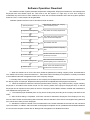
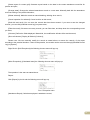
Please note: From the above flowchart, we can see that if there is an error in calculation report for one staff, the
possible reasons are as follows:
Employee shift or temporary shift is incorrect.
Exceptions such as Employee away for business/ask for leave/forgetting clock in/out is incorrect.Checking and
calculation of transaction records is incorrect.
4