1
Notice: The No. is exclusive as well as the first digit cannot be 0!
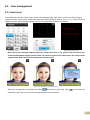
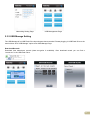
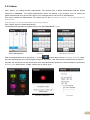
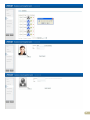
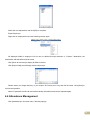
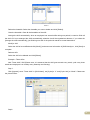
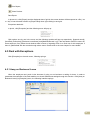
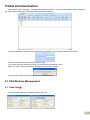
You can also add pictures for employee. There are two ways to add pictures:
1st way: Click [
following,
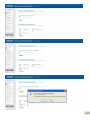
] button, choose employee’s picture stored in PC and open [Edit picture] window as
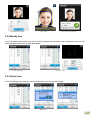
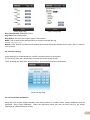
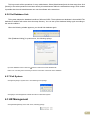
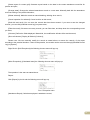
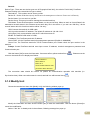
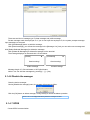
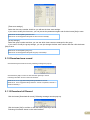
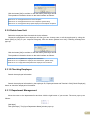
Click the button [View] to choose one photo. And Crop the photo by the [Cut-down] button and then click the
button [Save]
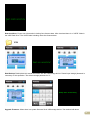
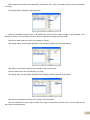
2nd way: You can install camera to take pictures and edit then save. Make sure there is camera equipment
installed in your PC.
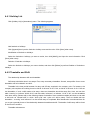
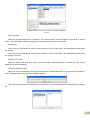
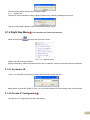
Click [
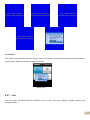
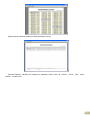
] button, open [Pictures shooting] window as following,
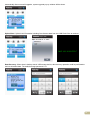
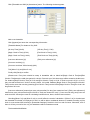
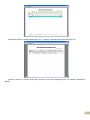
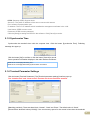
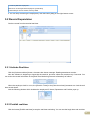
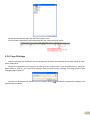
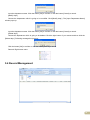
Choose camera equipment, and click the button [Take Pic] to take a photo.
Edit the photo by [Cut-down] function and then click the button [Save] to save.
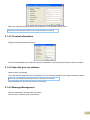
Click the button [
] to delete the employee photo.
83