1
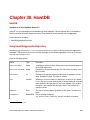
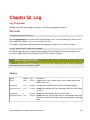
Chapter 52. Log
Log Component
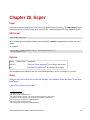
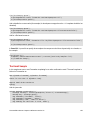
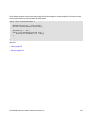
The log: component logs message exchanges to the underlying logging mechanism.
URI format
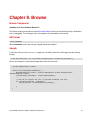
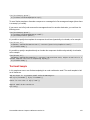
log:loggingCategory[?options]
Where loggingCategory is the name of the logging category to use. You can append query options to the
URI in the following format, ?option=value&option=value&...
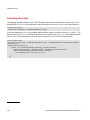
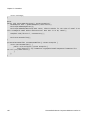
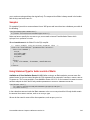
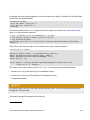
For example, a log endpoint typically specifies the logging level using the level option, as follows:
log:org.apache.camel.example?level=DEBUG
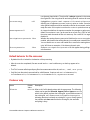
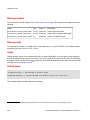
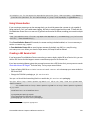
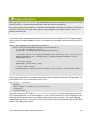
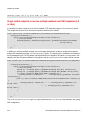
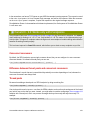
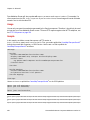
The default logger logs every exchange (regular logging). But Fuse Mediation Router also ships with the
Throughput logger, which is used whenever the groupSize option is specified.
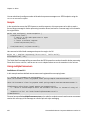
Also a log in the DSL
In Camel 2.2 onwards there is a log directly in the DSL, but it has a different purpose. Its meant for lightweight
and human logs. See more details at LogEIP.
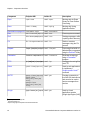
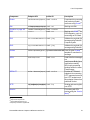
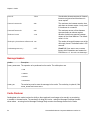
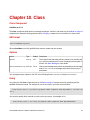
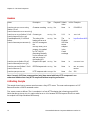
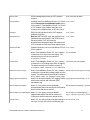
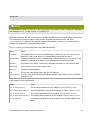
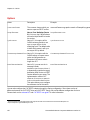
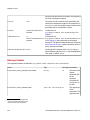
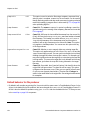
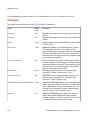
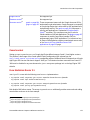
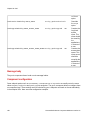
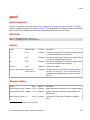
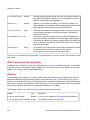
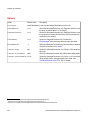
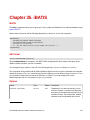
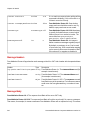
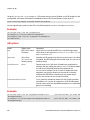
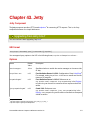
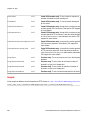
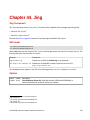
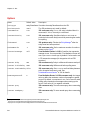
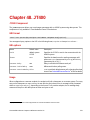
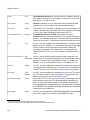
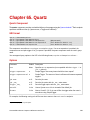
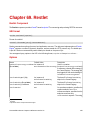
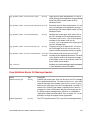
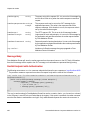
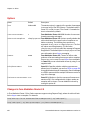
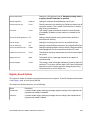
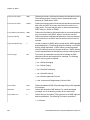
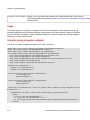
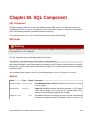
Options
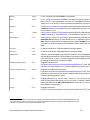
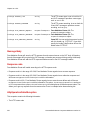
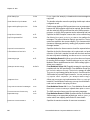
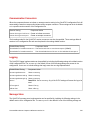
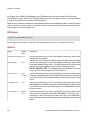
Option
Default Type
Description
level
INFO
String
Logging level to use. Possible values: FATAL, ERROR, WARN, INFO,
DEBUG, TRACE, OFF
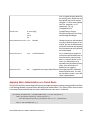
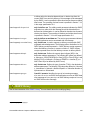
groupSize
null
Integer An integer that specifies a group size for throughput logging.
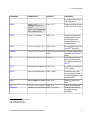
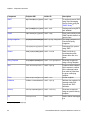
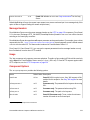
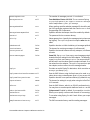
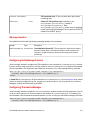
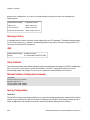
groupInterval
null
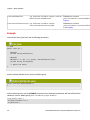
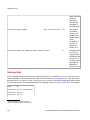
Integer Camel 2.6: If specified will group message stats by this time interval
groupDelay
0
Integer Camel 2.6: Set the initial delay for stats (in millis)
(in millis)
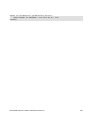
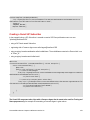
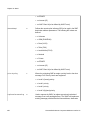
groupActiveOnly true
boolean Camel 2.6: If true, will hide stats when no new messages have been
received for a time interval, if false, show stats regardless of message
traffic
Fuse Mediation Router Component Reference Version 2.6
331