1
Chapter 28. FTP2
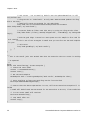
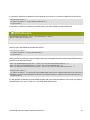
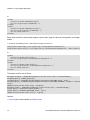
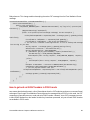
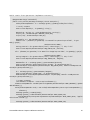
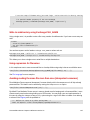
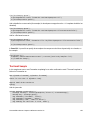
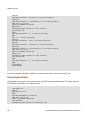
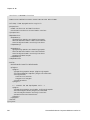
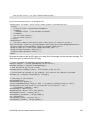
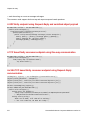
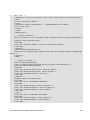
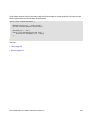
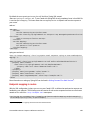
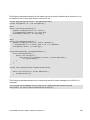
CWD two
250 CWD successful. "/one/two" is current directory.
CWD sub-a
250 CWD successful. "/one/two/sub-a" is current directory.
PORT 127,0,0,1,17,98
200 Port command successful
RETR a.txt
150 Opening data channel for file transfer.
226 Transfer OK
CWD /
250 CWD successful. "/" is current directory.
PWD
257 "/" is current directory.
CWD one
250 CWD successful. "/one" is current directory.
CWD two
250 CWD successful. "/one/two" is current directory.
CWD sub-b
250 CWD successful. "/one/two/sub-b" is current directory.
PORT 127,0,0,1,17,99
200 Port command successful
RETR b.txt
150 Opening data channel for file transfer.
226 Transfer OK
CWD /
250 CWD successful. "/" is current directory.
QUIT
221 Goodbye
disconnected.
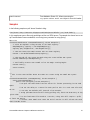
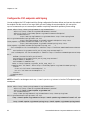
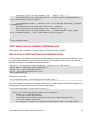
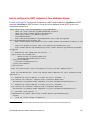
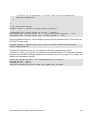
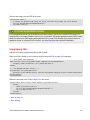
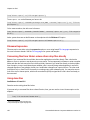
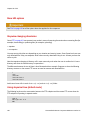
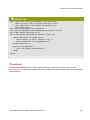
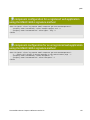
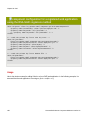
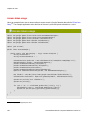
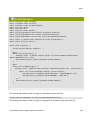
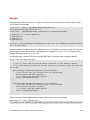
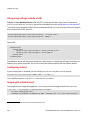
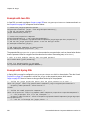
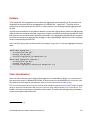
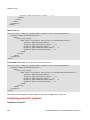
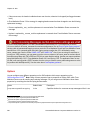
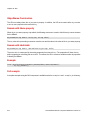
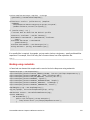
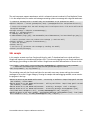
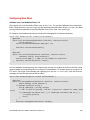
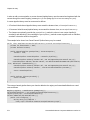
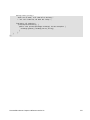
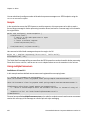
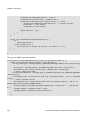
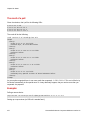
As you can see when stepwise is enabled, it will traverse the directory structure using CD xxx.
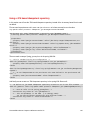
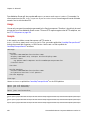
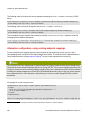
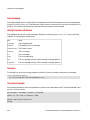
Using stepwise=false
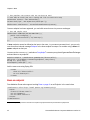
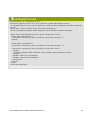
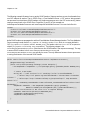
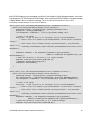
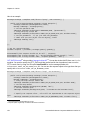
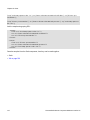
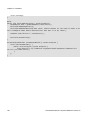
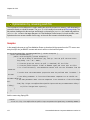
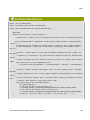
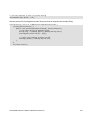
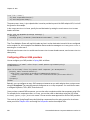
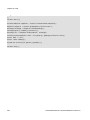
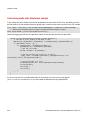
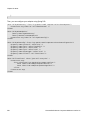
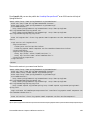
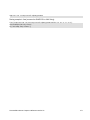
The following log shows the conversation between the FTP endpoint and the remote FTP server when the
FTP endpoint is operating in non-stepwise mode:
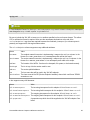
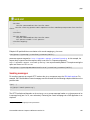
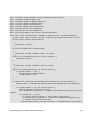
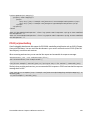
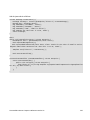
230 Logged on
TYPE A
200 Type set to A
SYST
215 UNIX emulated by FileZilla
PORT 127,0,0,1,4,122
200 Port command successful
LIST one/two
150 Opening data channel for directory list
168
Fuse Mediation Router Component Reference Version 2.6