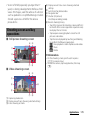
1
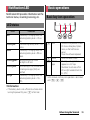
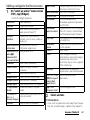
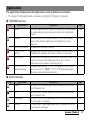
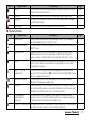
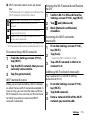
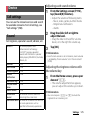
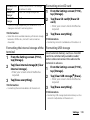
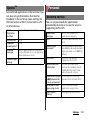
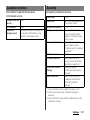
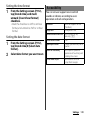
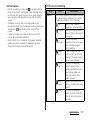
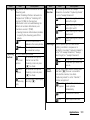
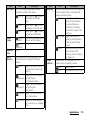
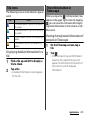
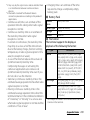
Item
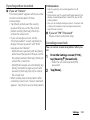
Self-timer
Focus
mode
Exposure
value
White
balance
Icon
Description
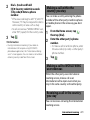
Use it to record group videos where
everyone can be in the video.
On (10 Tap or press k to start
sec.)
recording 10 seconds
later.
On (2
Tap or press k to start
sec.)
recording 2 seconds later.
Off
Tap or press k to start
recording immediately.
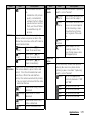
Single The camera automatically
autofocus
focuses on the subject.
Face
P.172
detection
P.183
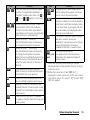
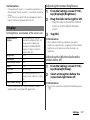
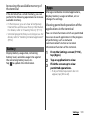
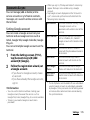
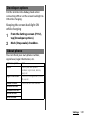
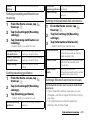
The white balance setting adjusts the
color balance according to the light
source.
Auto
Adjust the color balance
automatically to the light
source.
Adjust the color balance
Incandescent for lighting like
incandescent bulb.
Adjust the color balance
Fluorescent for lighting like
fluorescent.
Daylight Adjust the color balance
for a sunny place.
Cloudy Adjust the color balance
for a cloudy sky or shaded
area.
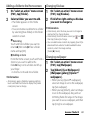
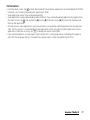
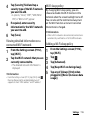
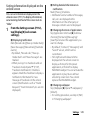
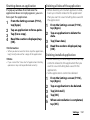
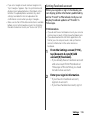
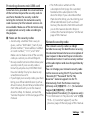
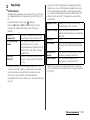
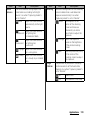
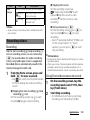
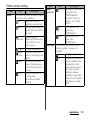
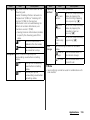
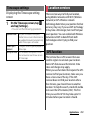
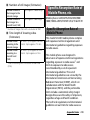
Item
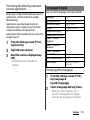
Metering
Image
stabilizer
Icon
Description
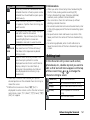
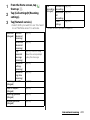
Measure the brightness on the shooting
screen to determine a well-balanced
exposure automatically.
Center Put emphasis at the
center of the shooting
screen and measure
photometry at whole
view finder to adjust the
exposure.
Average Adjust the exposure
based on the brightness
of the whole shooting
screen.
Spot
Measure photometry only
at the center of the
shooting screen to adjust
the exposure.
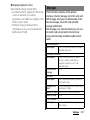
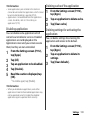
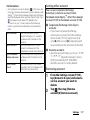
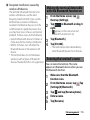
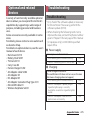
Compensate for movements of the
camera while recording a video.
On
Reduce blur.
Off
The stabilizer is not used.
Applications 185