1
3
125
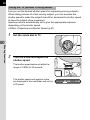
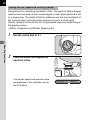
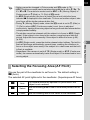
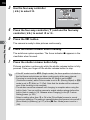
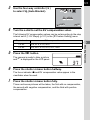
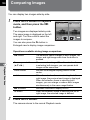
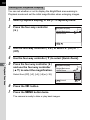
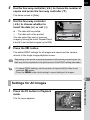
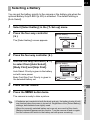
Use the four-way controller (5)
to select l (Auto Bracket).
Drive Mode
Auto Bracket
±0.5
±0.5EV
0.5EV
EV
4
OK
OK
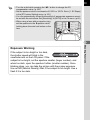
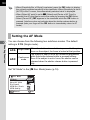
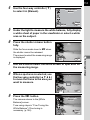
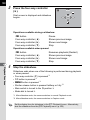
Turn the e-dial to set the EV compensation value.
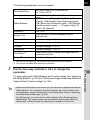
The following EV compensation values can be set according to the step
interval set in [1. EV Steps] (p.101) in the [A Custom Setting] menu.
Step interval
±0.5, ±1.0, ±1.5, ±2.0
1/3 EV
±0.3, ±0.7, ±1.0, ±1.3, ±1.7, ±2.0
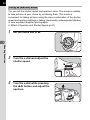
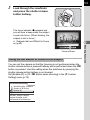
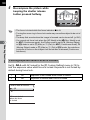
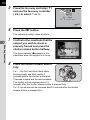
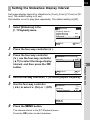
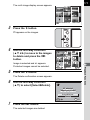
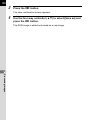
Press the 4 button.
The camera is ready to take a picture
and ] is displayed on the LCD panel.
6
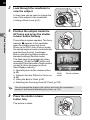
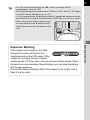
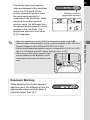
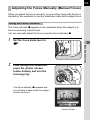
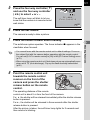
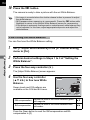
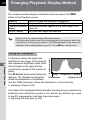
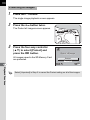
Press the shutter release button halfway.
The focus indicator ] and EV compensation value appear in the
viewfinder when focused.
7
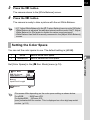
Press the shutter release button fully.
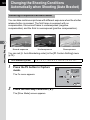
Three continuous pictures will be taken, the first with no compensation,
the second with negative compensation, and the third with positive
compensation.
4
Shooting Functions
5
EV compensation value
1/2 EV