1
169
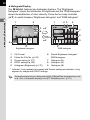
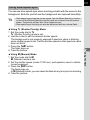
Setting the Slideshow Display Interval
Set image display interval for slideshow to [3 sec], [5 sec], [10 sec] or [30
sec]. The default setting is [3 sec].
Set whether or not to play back repeatedly. The default setting is [Off].
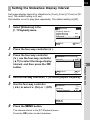
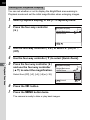
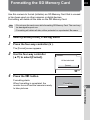
1
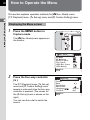
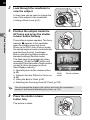
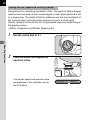
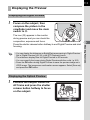
Select [Slideshow] in the
[Q Playback] menu.
Playback
Playback display
Instant Review
Digital Preview
Slideshow
MENU
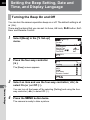
2
3
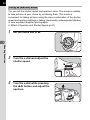
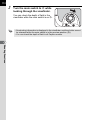
Press the four-way controller
(5), use the four-way controller
(23) to select the image display
interval, and then press the 4
button.
Start
Slideshow
Interval
Repeat Playback
Cancel
3sec
5sec
10sec
3 0 sec
OK
OK
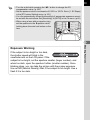
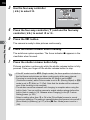
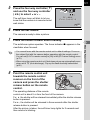
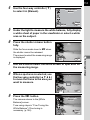
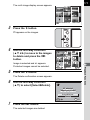
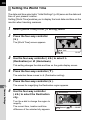
Use the four-way controller (3) to select [Repeat Playback].
Use the four-way controller
(45) to select O (On) or P (Off).
Slideshow
Interval
Repeat Playback
MENU
6
OK
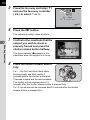
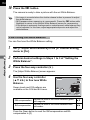
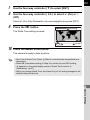
Press the 3 button.
The camera returns to the [Q Playback] menu.
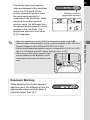
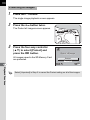
Press the 4 button to start slideshow.
3sec
7
Playback Functions
5
3sec
Press the four-way controller (5).
MENU
4
Exit
1sec