1
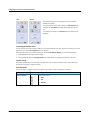
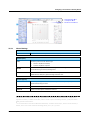
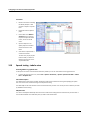
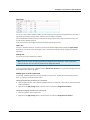
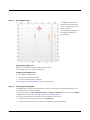
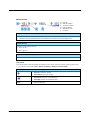
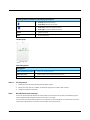
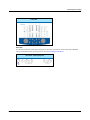
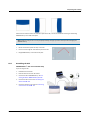
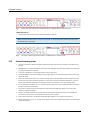
Sweep Frequency results
3.14.8
LIPread
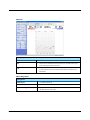
The OTOsuite LIPread speech test is designed to integrate multi-modal speech tests for playback in the OTOsuite software.
The purpose of the LIPread test is to test a person’s ability to understand speech with and without visual cues and noise.
The test consists of video presentations where the patient is prompted to repeat as much as possible of the sentences
presented. The test can be presented with and without sound or video so that lipreading ability can be assessed for rehabilitation purposes.
When OTOsuite is used as a NOAH module, all historical LIPread data is always available on the screen and in reports so
that the patient's progress can be followed over time.
Intended use
The OTOsuite LIPread speech test is intended for use in connection with hearing habilitation/rehabilitation performed by
audiologists, speech therapists and other trained personnel.
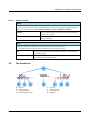
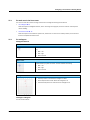
System overview
•
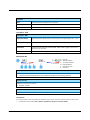
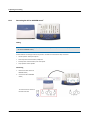
Testing in OTOsuite is supported by MADSEN Astera².
•
OTOsuite with the module for performing the LIPread test is supplied on the OTOsuite Installation disk
•
The LIPread speech material is supplied on a separate disk.
Installation
For instructions on installing OTOsuite, see the OTOsuite Installation Guide which is inserted in the OTOsuite Installation
box, and the OTOsuite Reference Manual.
Whether you install OTOsuite or the LIPread speech material first is of no consequence.
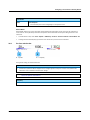
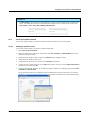
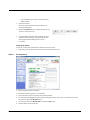
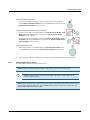
1. When you have installed OTOsuite and the LIPread speech material, enter the LIPread license key in the OTOsuite
Configuration Wizard. Select Tools > Configuration Wizard... and click the Configure button next to Audiometry .
2. Click Next until you reach the screen for entering license keys and enter the license key.
3. If the LIPread tab is not shown in OTOsuite, enable viewing the tab in the Configuration Wizard.
84
Otometrics - MADSEN Astera²