1
9.2 Close Disc
This process is to make a CD-R/CD-RW disc has copied tracks
become a playable Audio CD.
n
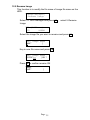
Movei, j to 9.Audio Track Edit, and press OK.
9.Track Edit
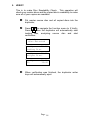
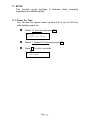
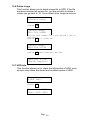
o Move to select 2. Close Disc and press OK to start
close disc process.
[Track Edit]
2.Close Disc
p
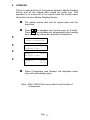
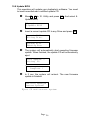
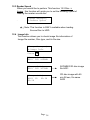
When Close Disc is processing, you will see message
on the LCD show:
Finalizing Disc
q
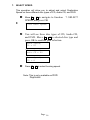
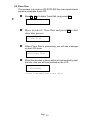
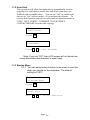
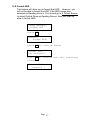
When the process is done, writer will automatically eject
the disc, and you will see finished on the LCD.
Finished!
Close finished and eject disc
Page 20