1
Office of Business & Financial Affairs
iProcurement User Manual
______________________________________________________________________________________________
Saving a Shopping Cart
If you are creating a Storehouse order or requisition, and you want to save your work and
finish it later, you can save the shopping cart.
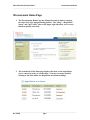
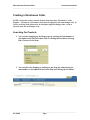
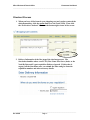
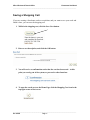
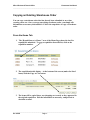
1. While in the shopping cart, click the Save Cart button.
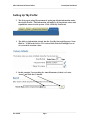
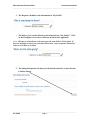
2. Enter a cart description, and click the OK button.
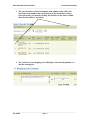
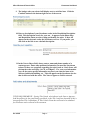
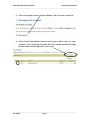
3. You will receive a confirmation notice that the cart has been saved. At this
point you can log out of the system, or proceed to other functions.
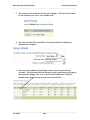
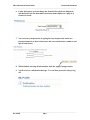
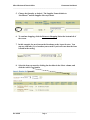
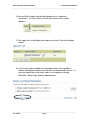
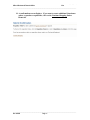
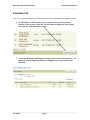
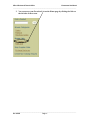
4. To open the saved cart, on the Home Page click the Shopping Cart icon in the
top right corner of the screen.
______________________________________________________________________________________________
Rev. 4/25/05
Page 19