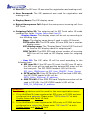
1
1-6 QUICK SETUP
Note:
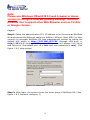
Please use Windows OS with IE 8.0 web browser or above
version to configure GSM M4 gateway webpage. Welltech
products don’t support other Web Browser such as FireFox
or Google chrome.
Login :
Setp1: Setup the administrative PC’s IP address to be the same as WellGate
M4 and connect the Ethernet cable into WAN or LAN port. Start IE8.0 (or later
version) to navigate WellGate M4 web management system by typing the
default URL which is http://192.168.123.123 (through LAN port) or
http://10.1.1.3 (through WAN port). The screen will display User Name
and Password (the default user id is root and user password is root). (See
figure 1-6-1 web access)
Figure 1-6-1 web access
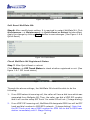
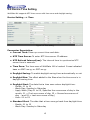
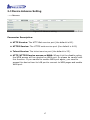
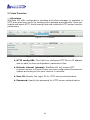
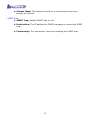
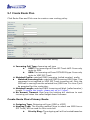
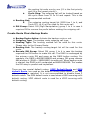
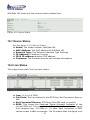
Step 2: After login, the screen shows the Home page of WellGate M4. (See
figure 1-6-2 Network configure-1)
9