1
TANDBERG Videoconferencing System
Getting started
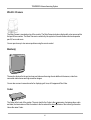
Basics
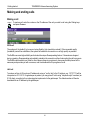
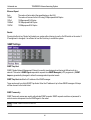
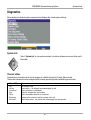
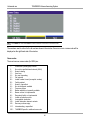
The system’s most commonly used functions are accessible directly from the remote control by single key
presses. In addition, the user interface is represented by on-screen menus. Individual items within the menus and
lists can be selected by moving a white highlighter bar to the desired option.
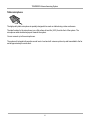
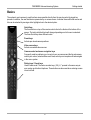
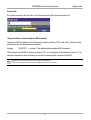
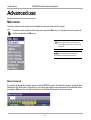
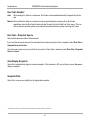
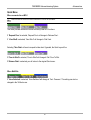
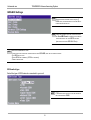
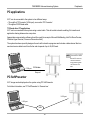
Quick Keys
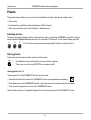
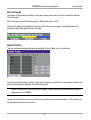
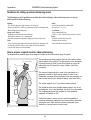
The three buttons on top of the remote control refer to the blocks at the bottom of the
screen. The text inside the blocks will change depending on which menu is selected.
The three Quick Keys have different colors.
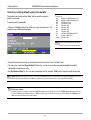
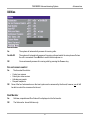
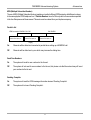
Preset keys
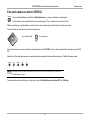
Activate pre-stored camera positions.
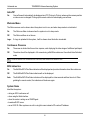
Video source keys
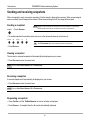
Activate connected video sources.
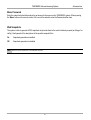
Camera control and menu navigation keys
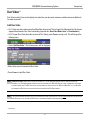
Frequently used keys allowing you to control your own camera and the far end camera,
control your volume, select and move self-view, switch your microphone off and navigate
in the menu system.
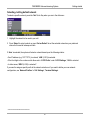
Dialing keys / Preset keys
Used to make a call. The twelve number keys, (0-9), #, * operate in the same way as
on a modern push-button telephone. These buttons are also used when entering a name
into a text field.
21