1
General Editing Functions
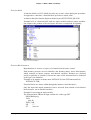
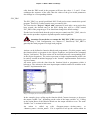
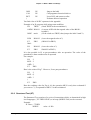
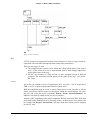
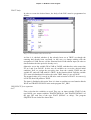
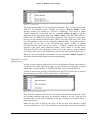
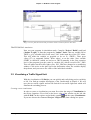
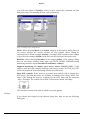
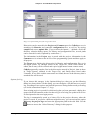
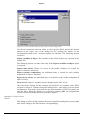
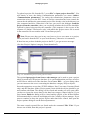
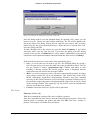
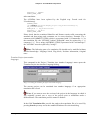
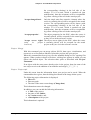
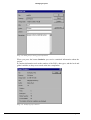
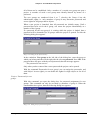
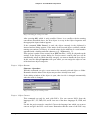
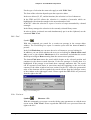
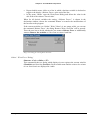
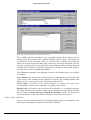
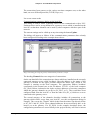
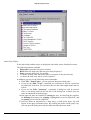
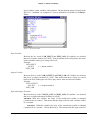
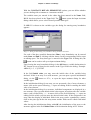
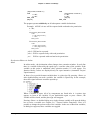
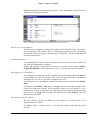
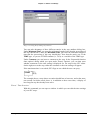
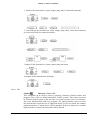
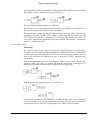
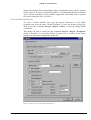
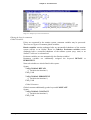
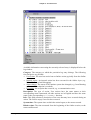
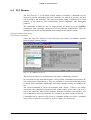
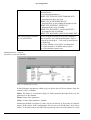
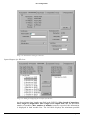
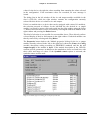
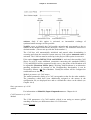
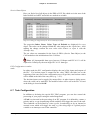
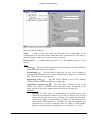
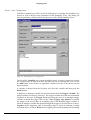
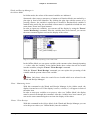
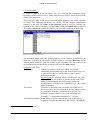
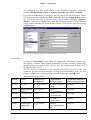
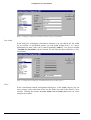
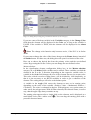
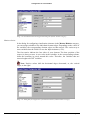
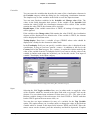
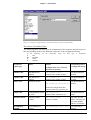
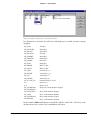
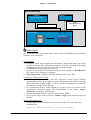
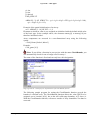
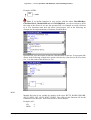
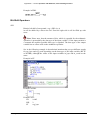
By clicking on the button Cross References you get the list of all application points.
Along with the POU and the line or network number, the variable name and the
address binding, if any, are specified. The Domain space shows whether this is a
local or a global variable; the Access column shows whether the variable is to be
accessed for ‚reading’ or ‚writing’ at the current location.
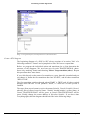
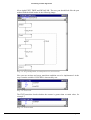
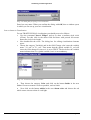
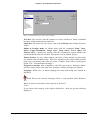
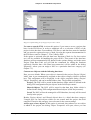
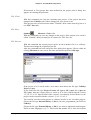
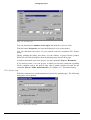
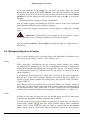
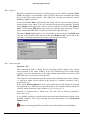
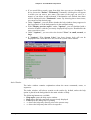
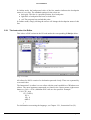
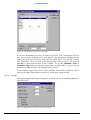
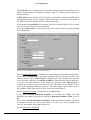
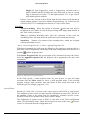
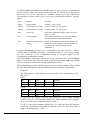
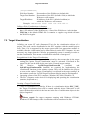
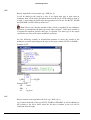
When you select a line of the cross reference list and press the button Go To or
doubleclick on the line, then the POU is shown in its editor at the corresponding
point. In this way you can jump to all application points without a time-consuming
search.
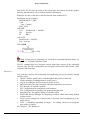
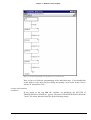
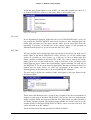
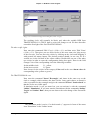
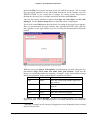
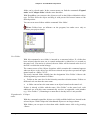
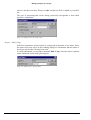
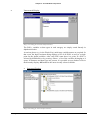
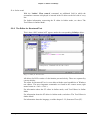
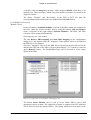
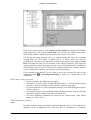
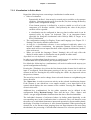
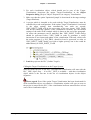
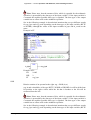
In order to make processing easier, you can use the Send to message window button
to bring the current cross reference list into the message window and from there
change to the respective POU.
4.5 General Editing Functions
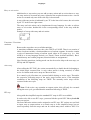
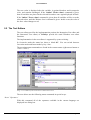
You can use the following commands in all editors and some of them in the Object
Organizer. The commands are located under the menu item 'Edit' and in the context
menu that is opened with the right mouse button.
If the IntelliPoint-Software is installed on the computer, CoDeSys supports all
functions of the MS IntelliMouse. In all editors with zoom functionality: To magnify
press the <Strg> key while rolling the wheel of the mouse, to reduce roll backwards
while the <Strg> key is pressed.
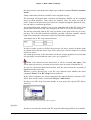
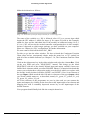
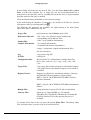
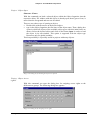
‘Edit‘ ‘Undo‘
Shortcut: <Ctrl>+<Z>
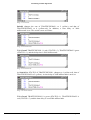
This command undoes the action which was most recently executed in the currentlyopen editor window or in the Object Organizer; repeated use undoes all actions back
to the time that the window was opened. This applies to all actions in the editors for
POUs, data types, visualizations and global variables and in the Object Organizer.
With 'Edit' 'Redo' you can restore an action which you have undone.
Note: The commands Undo and Redo apply to the current window. Each
window carries its own action list. If you want to undo actions in several windows,
then you must activate the corresponding window. When undoing or redoing in the
Object Organizer the focus must lie here.
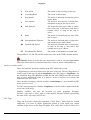
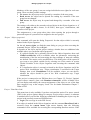
‘Edit‘ ‘Redo‘
Shortcut: <Ctrl>+<Y>
With the command in the currently-open editor window or in the Object Organizer
you can restore an action you have undone ('Edit' 'Undo').
As often as you have previously executed the command 'Undo' , you can also carry
out the command 'Redo'.
4-66
CoDeSys 2.3