1
Mashup Factory Beta – User Manual
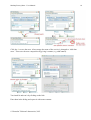
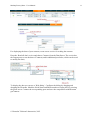
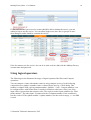
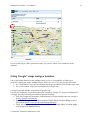
If you set the flag at „Show position on map“ you can see where your friends are in the
moment.
Using Google* maps and geo location
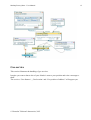
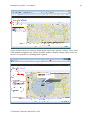
One of the builtin features of the dialogue basic service is its capability to display geo
positions with Google maps. MashupFactory offers two services to get such geo positions:
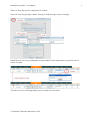
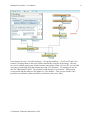
• use ‘GeoPosition’ to get geo coordinates for the given address from Google maps, and
• use ‘GeoLocation’ to get geo coordinates for a Google user.
*Google maps and latitude are products of google corp.
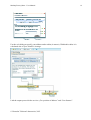
For privacy reasons the GeoLocation has been secured by Google. To get geo coordinates for
a Google user, the following preconditions must be fulfilled:
• First, the Google user must have a subscription to Google latitude (the user can get it
at http://google.com/latitude).
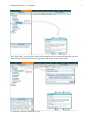
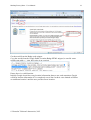
• Second, the Google user must have enabled Google Public Location Badge to show
his location (https://www.google.com/latitude/b/0/apps)
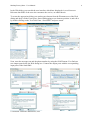
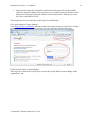
• Third, the user must have entered the userid from the Google Public Location Badge
code snippet into MashupFactory.
© Deutsche Telekom Laboratories, 2012
21