1
UPDATE
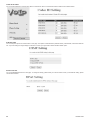
UPDATE FIRMWARE
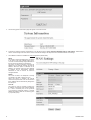
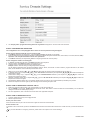
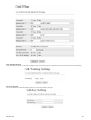
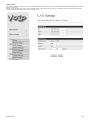
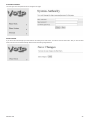
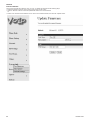
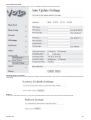
The IP Phone provides two methods, HTTP or TFTP, to update new firmware as the following steps:
• Select the firmware code type, Risc or DSP code. (mostly for Risc code)
• Click the “Browse” button to choose the updated file location for HTTP download.
Or
• Select TFTP and enter the IP address of TFTP server for firmware download, then click the “Update” button.
32
DS4501-002