1
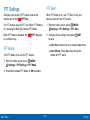
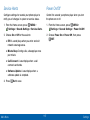
Auto Retry
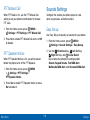
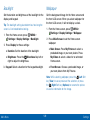
One Touch Dial
Select settings for automatic redialing of unanswered
calls.
One Touch Dial controls the speed dial feature of your
phone. You must turn One Touch Dial On to use speed
dials on the phone.
MENU >
1. From the Home screen, press
Settings > Call Settings > Auto Retry.
MENU >
1. From the Home screen, press
Settings > Call Settings > One Touch Dial.
2. Select a time period, or choose Off for no
automatic retries.
3. Select an option and press
2. Highlight On or Off and press
SET.
SET.
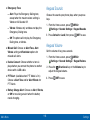
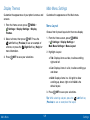
Voice Privacy
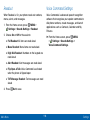
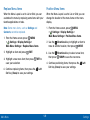
TTY Mode
Note: This feature is only available on the
Verizon Wireless network.
Your phone is fully TTY compatible, allowing you to
connect a TTY device to the phone’s headset jack. To
use your phone with a TTY device, enable TTY Mode.
When enabled, voice signals are encrypted for
enhanced privacy.
MENU >
1. From the Home screen, press
Settings > Call Settings > TTY Mode.
MENU >
1. From the Home screen, press
Settings > Call Settings > Voice Privacy.
2. Highlight Yes, then press
2. Highlight On or Off and press
OK to enable TTY.
SET.
3. Follow the prompts to select a TTY mode, from
TTY Full, TTY + Talk (VCO), TTY + Hear (HCO), or
TTY Off.
Main Menu
136
Settings