1
Tech-note
7.11.4 Objects Libraries
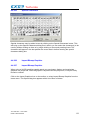
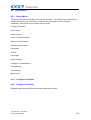
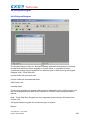
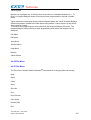
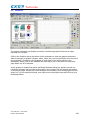
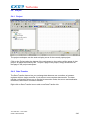
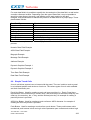
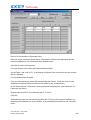
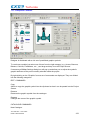
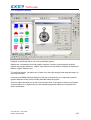
Designer is distributed with a rich set of predefined objects.
Objects are a something more than graphic symbols. Contrary to plain graphic symbols,
objects may contain behaviour, objects may respond to user actions. Example of objects are
Buttons, Lights, Switches, etc...
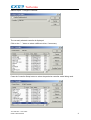
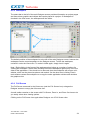
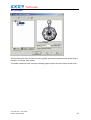
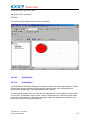
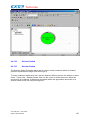
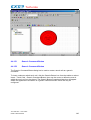
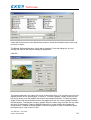
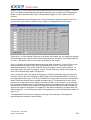
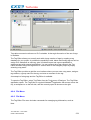
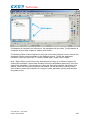
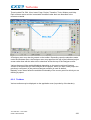
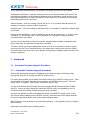
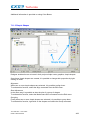
To use these objects just select one of them from the right category and drag-and-drop it on
the Project Screen.
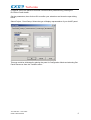
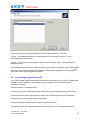
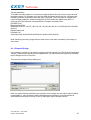
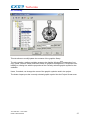
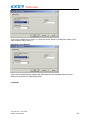
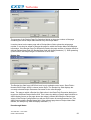
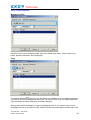
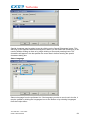
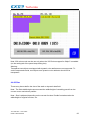
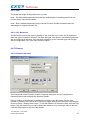
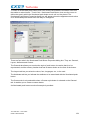
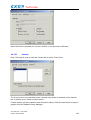
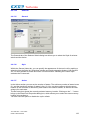
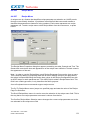
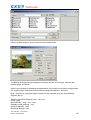
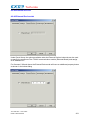
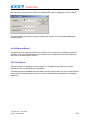
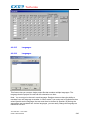
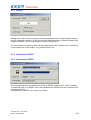
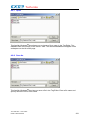
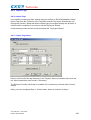
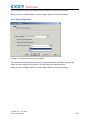
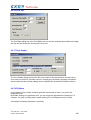
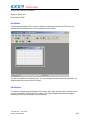
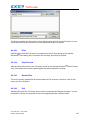
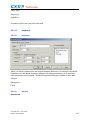
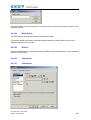
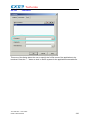
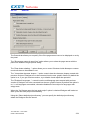
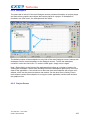
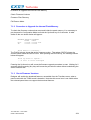
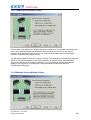
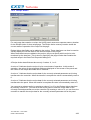
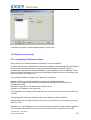
If necessary a BitMap Settings dialog box will pop up and allow you to adjust the symbol's
graphic attributes to the panel currently selected inside the project.
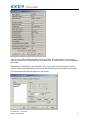
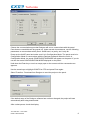
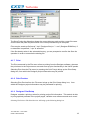
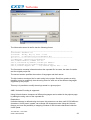
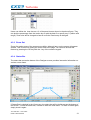
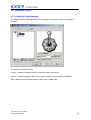
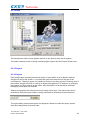
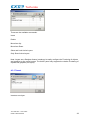
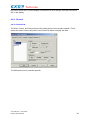
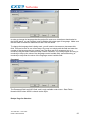
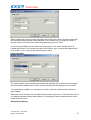
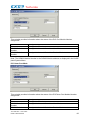
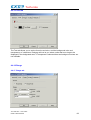
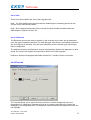
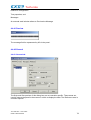
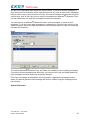
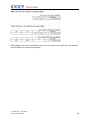
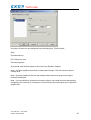
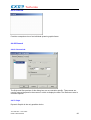
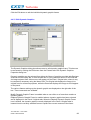
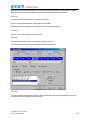
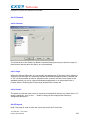
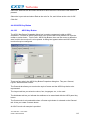
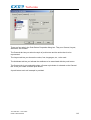
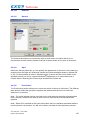
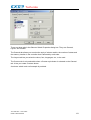
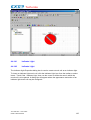
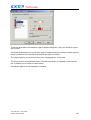
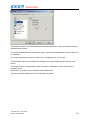
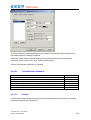
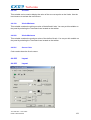
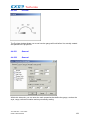
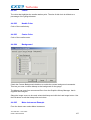
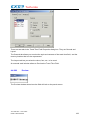
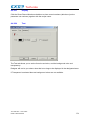
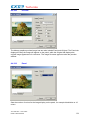
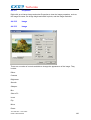
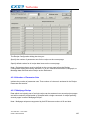
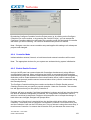
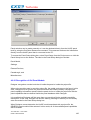
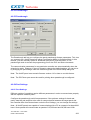
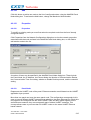
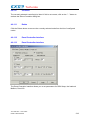
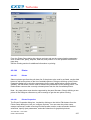
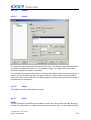
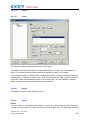
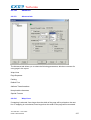
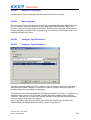
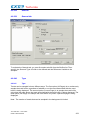
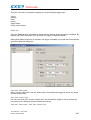
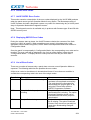
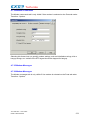
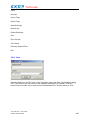
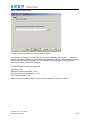
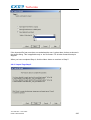
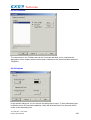
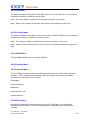
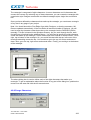
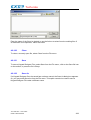
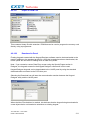
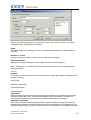
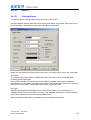
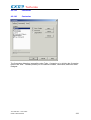
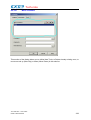
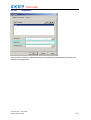
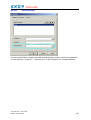
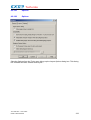
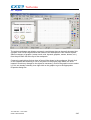
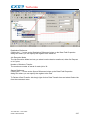
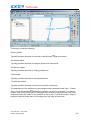
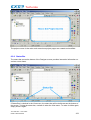
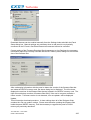
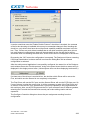
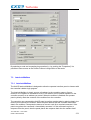
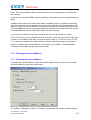
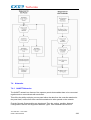
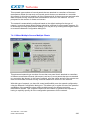
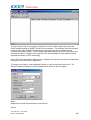
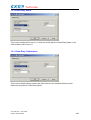
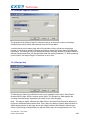
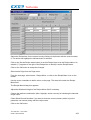
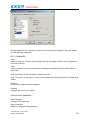
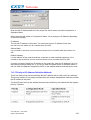
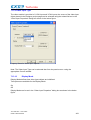
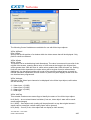
Once the object has been put in the Project Screen area, if the object is active and possess
a given behaviour, by right-clicking on the standard properties dialog box is displayed, as
shown here below.
Tn179-05.doc - 12.01.2007
UniOP User's Manual
472