1
ServSensor V4P
2) Installation
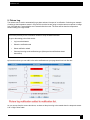
1. Setting up the IP address
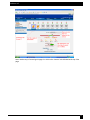
Every unit is shipped with the default IP address of 192.168.0.100 First we will go through the process of
changing this IP address to fit your own network configuration.
Ensure the following items are available to you before starting:1. RJ45 CAT5 crossover cable with RJ45 male connection
2. A PC with Ethernet card or LAN socket.
3. Power socket for the unit to connect to
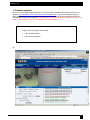
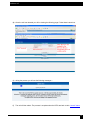
a) Connect the unit via the Ethernet port of the unit to your computers LAN or Ethernet port with a CAT5
crossover cable.
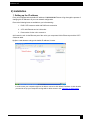
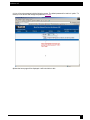
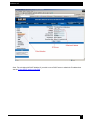
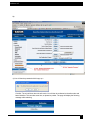
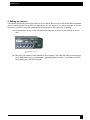
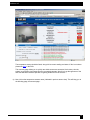
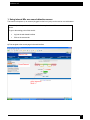
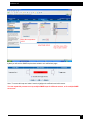
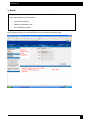
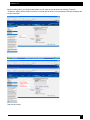
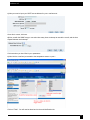
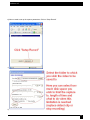
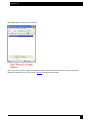
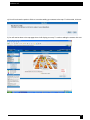
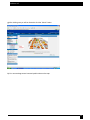
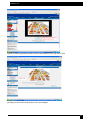
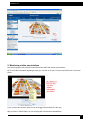
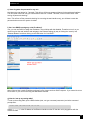
b) Open a web browser and type the default IP address, hit enter.
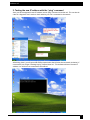
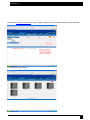
In some cases your computer might not be able to connect to this default IP address. In this situation
you need to set up your computers routing table to allow access to this. See here for this process.
7