1
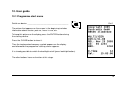
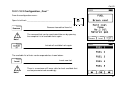
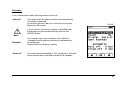
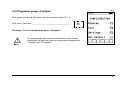
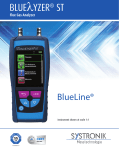
10.1.1 Starting screen
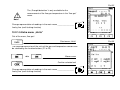
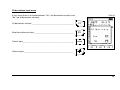
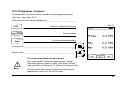
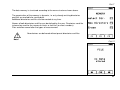
Status Line
This line continuously shows the status of certain information such as
remaining battery power, HOLD-function, sensor-alerts, operation of
the pump, chosen fuel, time, etc.
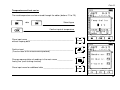
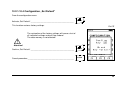
Pict 2
The priority of the information shown thereby depends on the mode
and function-specific criteria respectively.
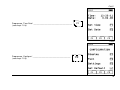
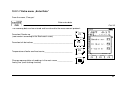
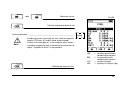
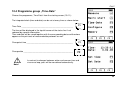
Programme Menu
Out of this menu programmes can be chosen and started.
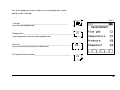
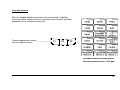
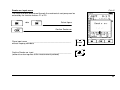
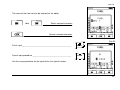
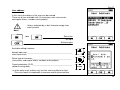
Menu Line
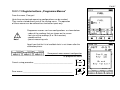
The functions shown on the display can be selected with the register buttons (F-buttons).
In some menus the F-buttons have several functions that can be rotated by pressing the
button in the centre of the keypad.
(see p. 16 for explanation)
15