1
4.3 Zoom In/Zoom Out
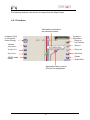
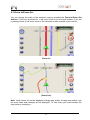
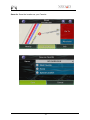
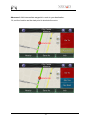
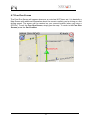
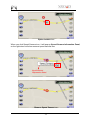
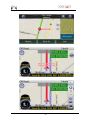
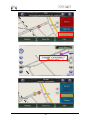
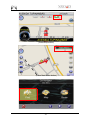
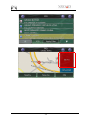
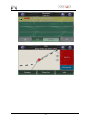
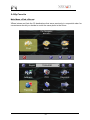
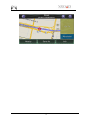
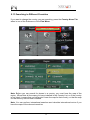
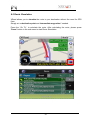
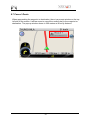
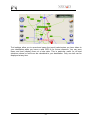
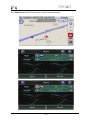
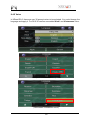
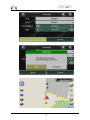
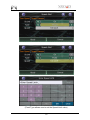
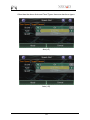
You can change the scale of the electronic map by pressing the Zoom In/Zoom Out
buttons. If you have a position fix, it will zoom in/out on your current location. If you are
in panning mode, it will zoom in/out on the selected location marked by the red dot.
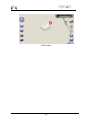
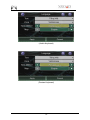
(Zoom In)
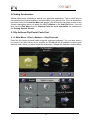
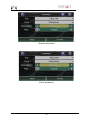
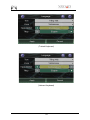
(Zoom Out)
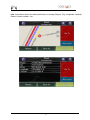
Note: Local streets will not be displayed at large map scales. At large map scales, only
the main roads and freeways will be displayed. To view them you must increase the
map scale by zooming in.
22