1
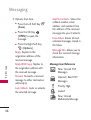
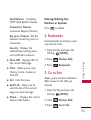
Open/ Read Multimedia
Message
works with many providers.
New/Unread Browser
Messages
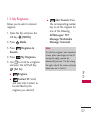
1. With the flip open, press the
Directional Key
[Messaging].
Opened/Read Browser
Messages
2. Press
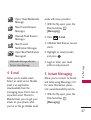
New/Unread
Notification Messages
3. A Mobile Web Browser session
starts.
Open/Read Notification
Messagesd
4. Highlight an email provider
and press
.
4. E-mail
Allows you to mobile email.
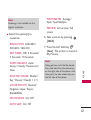
Select an email service. Mobile
email is an application
downloadable from the
messaging menu. Don't miss an
important email. Thanks to
Mobile Email, you can get your
emails on your phone, while
your're on the go. Mobile email
5. Login or enter your email
address and password.
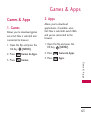
5. Instant Messaging
Allows you to connect to friends
and family using Messenger 2.0
For more information, please
visit: www.telusmobility.com/im
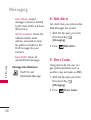
M es s a g i n g
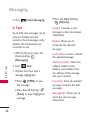
* Multimedia Message indicates
Picture/ Voice Message.
E-mail.
1. With the flip open, press the
Directional Key
[Messaging].
47