1
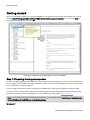
Getting started
Firewall settings
Allow exceptions
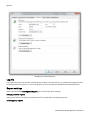
Before being able to run activities in the network with the OOEMC, you need to specify certain settings on the Firewall on the target computer. If you haven't made any changes to the firewall settings, please bear the following
steps in mind while defining exceptions and opening ports. Here are the examples for Windows 7 as well as Windows Server 2008:
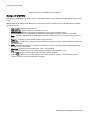
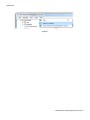
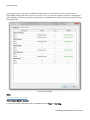
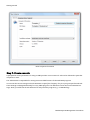
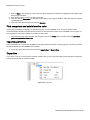
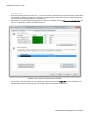
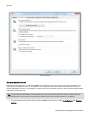
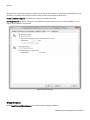
1. Open the Windows Firewall in the Control Panel.
2. On the left, click on Allow a program or feature through Windows Firewall.
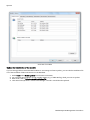
3. Place the following control checks in the column Domain. The computer needs to be in a domain for it to display the column: File and printer sharing, Remote Service Management and Windows Management
Instrumentation (WMI).
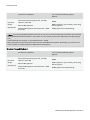
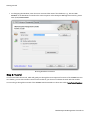
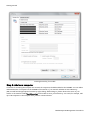
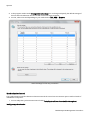
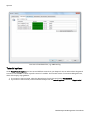
In addition, you need to create and share further ports.
O&O Enterprise Management Console-16