1
Fanfold Paper Loading
Loading Paper Using the Lower Tractor
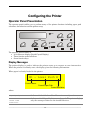
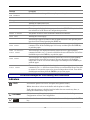
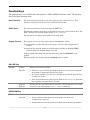
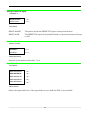
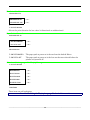
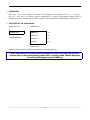
1. To select the lower tractor paper path, press the PATH key. The display shows:
LOAD LOWER PUSH
•
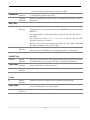
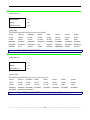
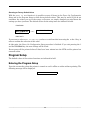
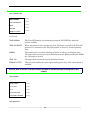
If you have been using a different path, the display shows:
PATH CHANGING
•
If you have been using fanfold paper in the upper tractor paper path, the printer
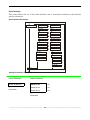
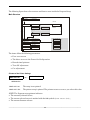
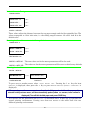
automatically starts the parking procedure. The display shows alternately:
and
TEAR IF NECESS.
PARK PAPER
•
Tear off the fanfold loaded with the upper tractor (if it is longer than 18 inches) and
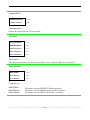
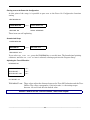
press the PARK key. The display shows:
PARKING
followed by
LOAD LOWER PUSH
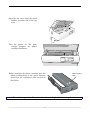
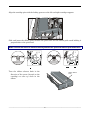
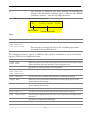
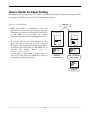
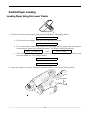
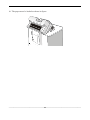
2. Open the tractor area cover turning is upwards and lay it on the top of the printer.
__________________________________________________________________________________________________
62