1
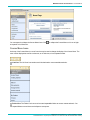
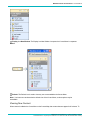
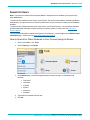
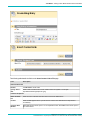
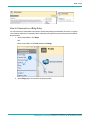
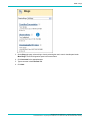
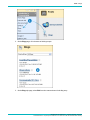
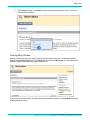
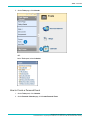
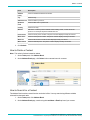
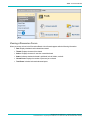
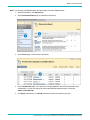
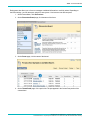
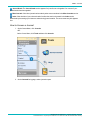
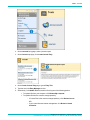
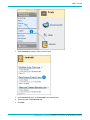
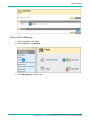
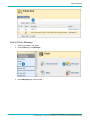
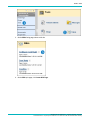
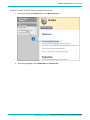
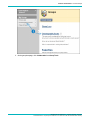
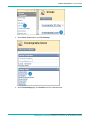
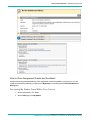
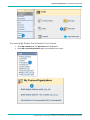
Tools > Tasks
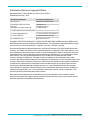
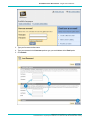
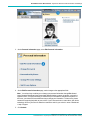
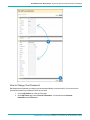
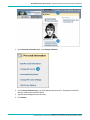
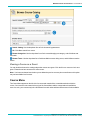
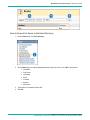
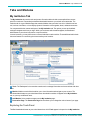
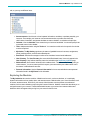
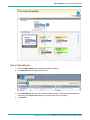
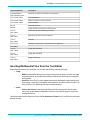
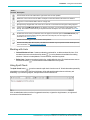
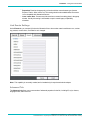
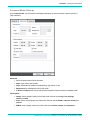
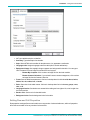
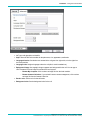
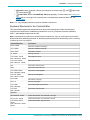
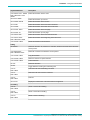
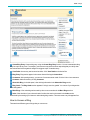
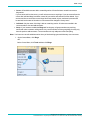
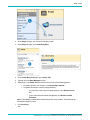
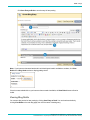
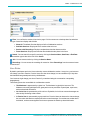
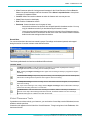
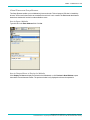
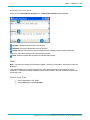
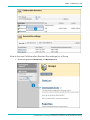
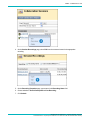
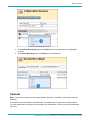
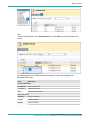
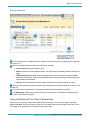
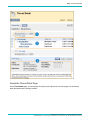
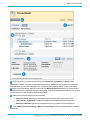
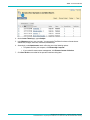
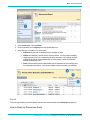
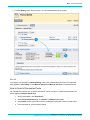
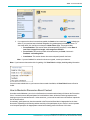
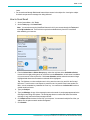
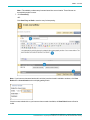
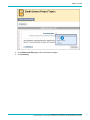
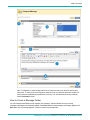
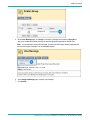
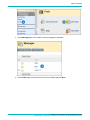
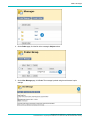
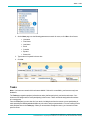
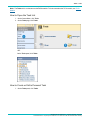
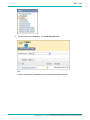
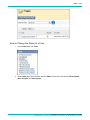
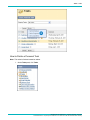
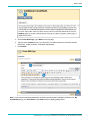
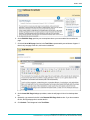
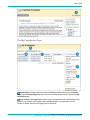
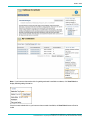
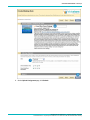
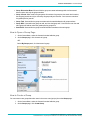
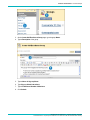
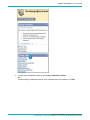
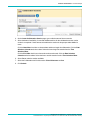
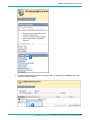
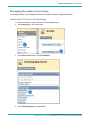
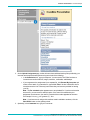
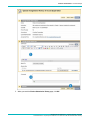
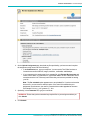
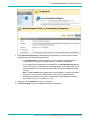
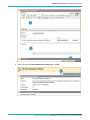
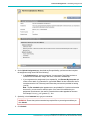
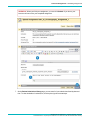
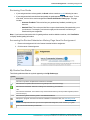
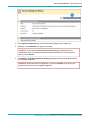
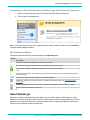
2. On the Users page, use the following parameters to search for users, or click Go to list all users:
l
Username
l
First Name
l
Last Name
l
Email
l
Contains
l
Equal to
l
Starts with
3. Type a name or keyword in the text box.
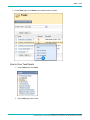
4. Click Go.
Tasks
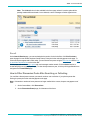
Note: Your instructor controls which tools are available. If this tool is not available, your instructor may have
disabled it.
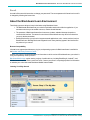
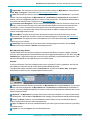
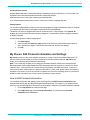
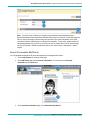
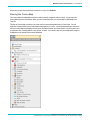
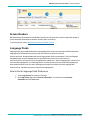
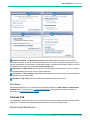
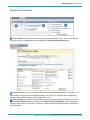
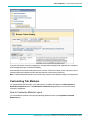
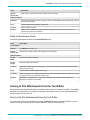
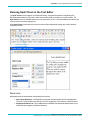
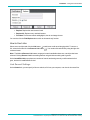
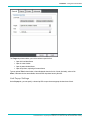
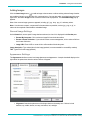
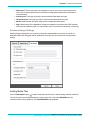
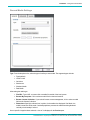
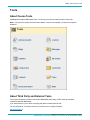
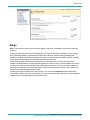
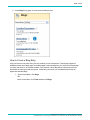
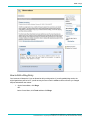
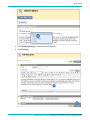
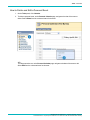
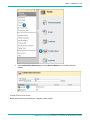
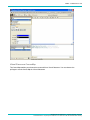
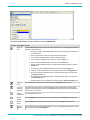
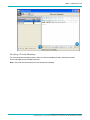
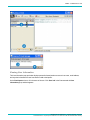
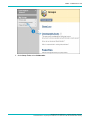
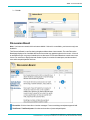
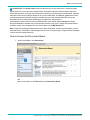
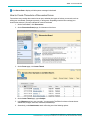
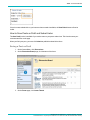
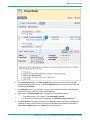
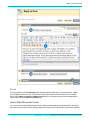
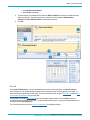
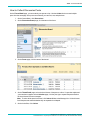
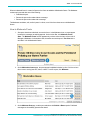
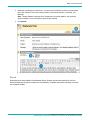
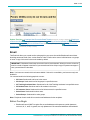
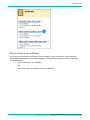
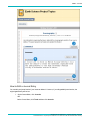
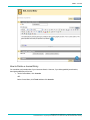
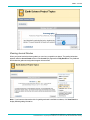
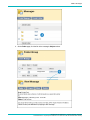
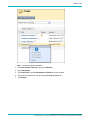
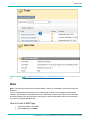
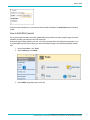
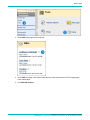
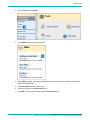
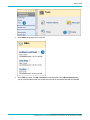
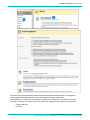
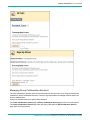
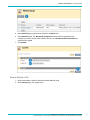
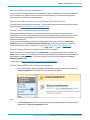
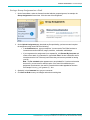
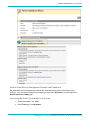
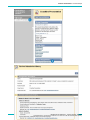
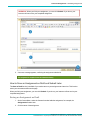
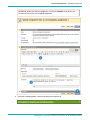
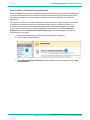
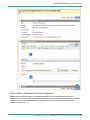
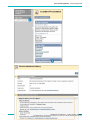
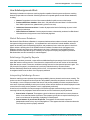
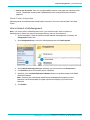
The Tasks page organizes projects (referred to as tasks), defines task priority, and tracks task status. Your
instructors can assign tasks to users participating in their course. Tasks can also be assigned to all members
of a course group.
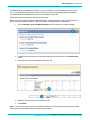
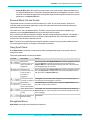
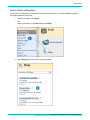
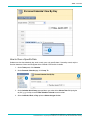
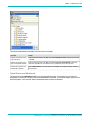
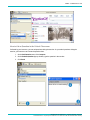
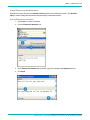
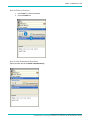
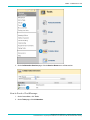
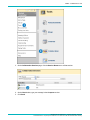
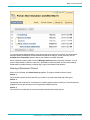
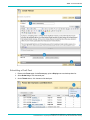
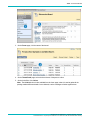
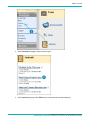
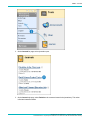
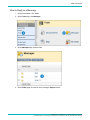
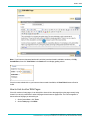
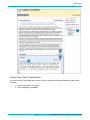
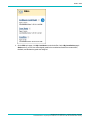
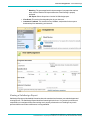
From the Tools panel you can view all of your tasks, including those from the courses you are participating in,
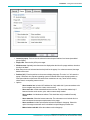
tasks posted by the Blackboard administrator at your school, and your personal tasks. You can create your own
tasks and post them to the Tasks page. When you access tasks through the course, you view tasks for that
specific course.
Blackboard Learn Release 9.1 - Help for Students - Page 224
© 2012 Blackboard Inc. Proprietary and Confidential. U.S. Patent No. 6,988,138. Additional Patents Pending.