1
TX3 Configurator Software Guide
Troubleshooting
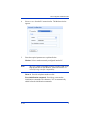
Unable to connect to USB device. Please unplug and plug in the
USB cable again
Common causes: Users unplug the USB cable when the PC is still
communicating with the panel or the USB driver is not installed properly.
Solution: Unplug and then plug in the USB cable again. If not working,
restart the application. If still not working, re-install the application.
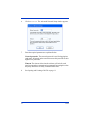
Panel xxxxxxx (address x) is a wrong controller type
Common causes: The panel type or model the user is trying to connect to
is different from the configuration.
Solution: Check the actual model of the panel (e.g. Lobby unit 8-Line).
Delete the incorrect panel item from the configurator tree then add the
correct panel item. The controller type depends on display type and the
name capacity of the panel.
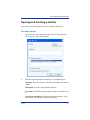
Panel xxxxxxx (address) not responding
Common causes: Incorrect address DIP switch setting on the panel’s
main board.
Solution: Check the DIP switches address setting of all panels and set
them correctly. Make sure the addresses match the addresses on the
configurator tree. Try to connect again.
Resident data does not get programmed to the panel even after
the job is sent.
Common causes: No panel phone line is assigned to the resident.
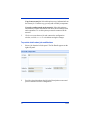
Solution: Edit resident details. Under “Select lobby line(s) to connect to
this resident”, select a phone line on the drop down list.
LT-973
21