1
Maxedia Manual
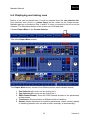
6.4. Displaying and mixing cues
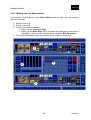
6.4.1. Mixing cues in direct mode
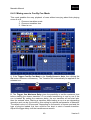
6.4.2. Mixing cues in Cue By Cue Mode
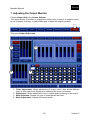
7. Adjusting the Output Monitor
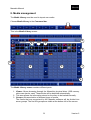
8. Media management
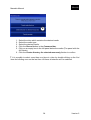
8.1. Importing user media
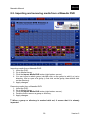
8.2. Importing and removing media from a Maxedia DVD
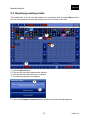
8.3. Replacing existing media
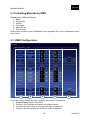
9. Controlling Maxedia by DMX
9.1. DMX Configuration
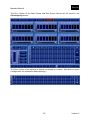
9.2. DMX Viewer
9.3. DMX Devices
9.3.1. Device Settings
9.3.2. Universe Settings
10. Top Layer
11. Pixelmapping
11.1. Patching Fixtures
11.1.1. Import from Maxxyz show file
11.1.2. Patch in Maxedia
11.2. Fixture Placement
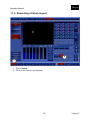
11.3. Recording a fixture layout
11.4. Pixelmapping Control with Dimmer Groups
11.4.1. Recording Dim Groups
11.4.2. Control Dim Groups
11.4.3. Master Dimmer
11.4.4. Controlling by DMX
12. Keymapping
12.1. Usage
12.2. Recording
12.3. Playback
13. Dual Out
13.1. Switching between Single and Dual out
13.2. Stretch
13.3. Clone
13.4. Mirror
14. Networking
14.1. Network Profiles
14.1.1. Master
14.1.2. Slave
14.1.3. Stand Alone
14.2. Synchronization
14.2.1. Cue Synchronization
14.2.2. Media Synchronization
14.2.3. Time code Synchronization
15. Show Management
15.1. Load/Save
15.2. Show Backup
16. Maxedia Configuration
16.1. Video Settings
3
47
48
49
50
51
53
56
57
59
59
61
63
63
64
65
66
68
68
68
84
86
87
87
88
89
89
90
90
91
91
92
92
92
92
93
94
95
95
97
97
98
98
98
99
100
100
101
102
102
Version 2