1
353
Effects and transitions
Change transition duration
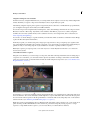
You can edit a transition’s duration in either a Timeline panel or the Effect Controls panel. The default duration for
transitions is initially set to 1 second.
Lengthening a transition’s duration requires that one or both clips have enough trimmed frames to accommodate a
longer transition. (See Clip handles and transitions.)
Change transition duration in a Timeline panel
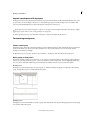
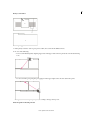
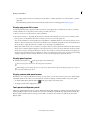
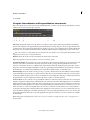
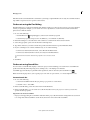
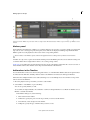
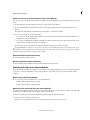
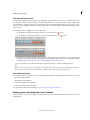
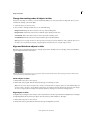
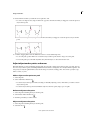
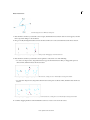
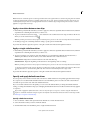
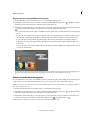
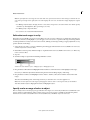
❖ In a Timeline panel, position the pointer over the end of the transition until the Trim-In icon
icon
or the Trim-Out
appears; then drag.
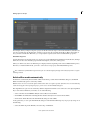
Change transition duration in the Effect Controls panel
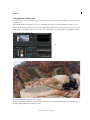
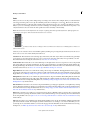
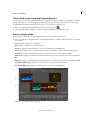
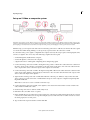
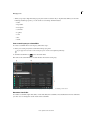
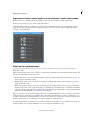
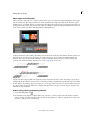
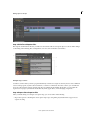
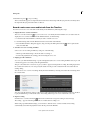
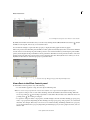
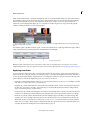
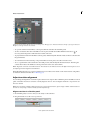
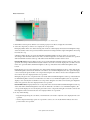
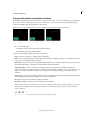
1 Double-click the transition in a Timeline panel to open the Effect Controls panel.
2 Do one of the following:
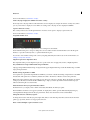
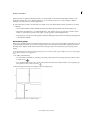
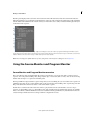
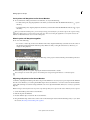
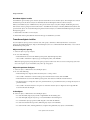
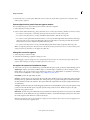
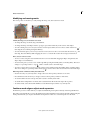
• In the Effect Controls time ruler, position the pointer over the transition until the Trim-In icon or the TrimOut icon
appears; then drag. (If the Effect Controls time ruler is not visible, click the Show/Hide Timeline
View button in the Effect Controls panel. If necessary, widen the panel to make this button visible and active.)
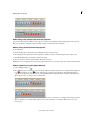
• Drag the Duration value, or select it and type a new value. How the transition changes length depends on the
alignment option currently selected:
Center At Cut or Custom Start The transition’s start and end points move equally in opposite directions.
Start At Cut Only the end of the transition moves.
End At Cut Only the beginning of the transition moves.
Set the default duration for transitions
If you change the default, the new setting has no affect on transitions already placed.
1 Choose Edit > Preferences > General.
2 Change the value for the Video Transition Default Duration or Audio Transition Default Duration; then click OK.
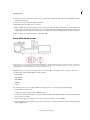
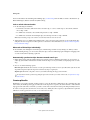
Reposition the center of a transition
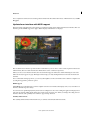
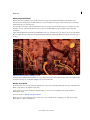
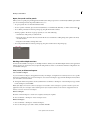
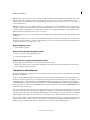
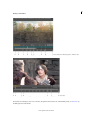
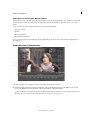
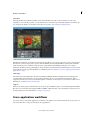
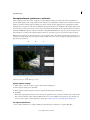
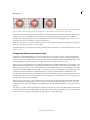
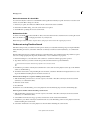
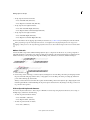
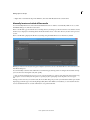
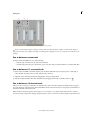
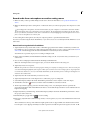
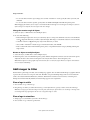
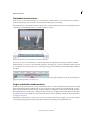
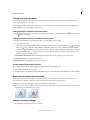
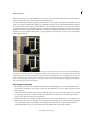
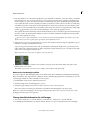
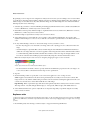
Some transitions, such as Iris Round, are positioned around a center. When a transition has a center that can be
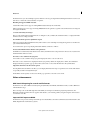
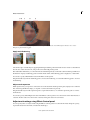
repositioned, you can drag a small circle in the A preview area in the Effects Control panel.
1 Click the transition in a Timeline panel to open the Effect Controls panel.
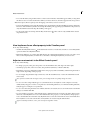
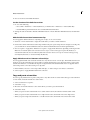
2 In the A preview area in the Effect Controls panel, drag the small circle to reposition the transition center. (Not all
transitions have an adjustable center point.)
Change transition settings
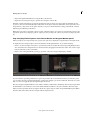
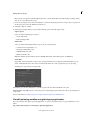
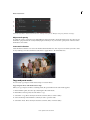
1 In a Timeline panel, click a transition to select it.
Last updated 12/16/2014