1
Working with the notebook
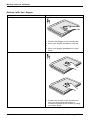
Removing a SIM card
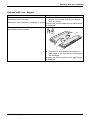
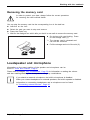
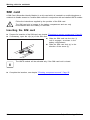
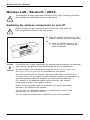
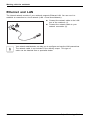
► Prepare for removal of the SIM card, see chapter "Preparing to remove components", Page 91.
► Slide the SIM card lock (a) in the
a
direction of the arrow (1).
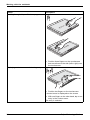
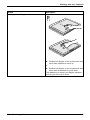
► Press on the edge of the SIM card so that
it jumps up slightly out of the slot.
► Pull the SIM card out of the slot in the
direction of the arrow (2).
1
2
► Complete the removal, see chapter "Finishing component removal", Page 95.
Fujitsu Technology Solutions
61