Wireless Access Point
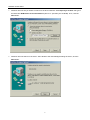
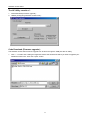
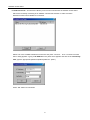
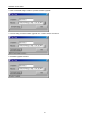
3. Click “Download Image” button to process firmware upgrade
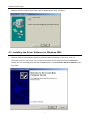
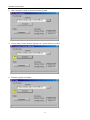
4. The AP Utility process firmware upgrade now . Please wait for a moment.
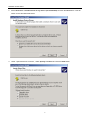
5. Firmware upgrade succeed.
29