1
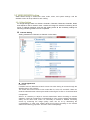
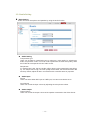
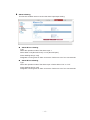
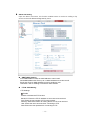
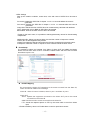
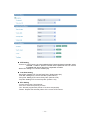
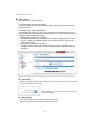
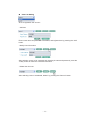
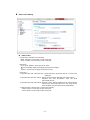
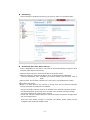
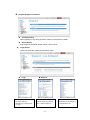
z Alarm Out Setting Upon the alarm occurrence, this function enables users to receive a mailing or ftp service to the mail address designated by users. SMPT(eMail) Setting From eMail address: Enter an eMail address to send a mail. Send eMail address list: Enter up to 10 eMail addresses to receive a mail. Email test: Enter an eMail address to test for sending a mail. Test button: Test for sending a mail with a value entered. FTP & JPEG Setting -FTP Settings Enable Checks to activate the FTP function. Sender IP: Enters the FTP IP address or host name to be received. Port: Enters the port number of FTP to be received. Directory: Enters the location for saving the file of FTP to be received. User: Enters the user's account when connecting to FTP. Pass: Enters the user password for connecting to FTP. - 16 -