1
1.5 Key Definitions
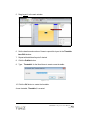
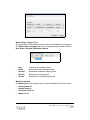
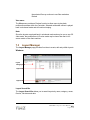
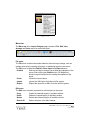
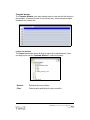
Server
A server acts as the interface between the Clients and Controllers.
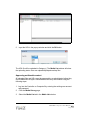
There are two types of servers in ViewZ S3 MagicView : a Media
server and a Controller server.
• Media server
The Media server is a file server. All multimedia content, layouts
and schedules are stored on the Media server, which provides the
content for clients during the downloading process.
• Controller server
The Controller server stores the controller database, the system
logs, and media information. It also provides the authorization for
users to access the Media server.
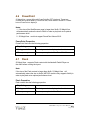
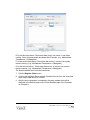
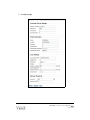
Server types
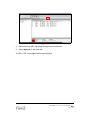
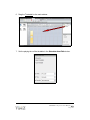
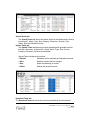
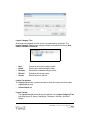
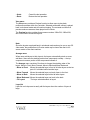
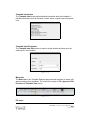
Client
The Client’s main purpose is to display the digital signage contents.
The Client downloads content from the Media server and plays it
according to a schedule. There are two types of clients in ViewZ S3
S3 MagicView : an online client and an offline client.
• Online Client
•
The online Client connects to the network and communicates with
the Controller Server via a network to update schedules and
contents.
Offline Client
The offline Client is not connected to the network. This client will
detect a USB flash device when it is connected and will
automatically download schedules and contents from the device.
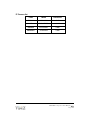
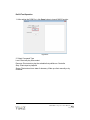
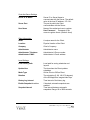
Client types
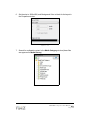
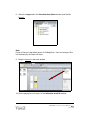
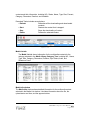
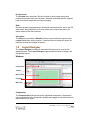
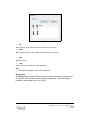
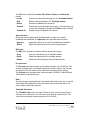
Controller
The Controller is a standalone application and serves as the main
graphical user interface for S3 MagicView . It can be launched without
the Server and Client installed. Users can run the Controller on any
machine connected on the video wall network. Users can run the
Controller on the same computer on which servers run or simply run on
the administrator’s laptop.
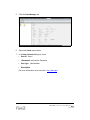
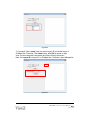
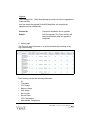
S3 MagicView Main Menu
Group
S3 MagicView divides Clients into groups and assigns each group
a schedule. All Clients in the group share the same schedule.
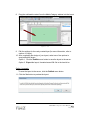
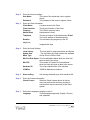
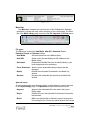
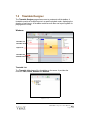
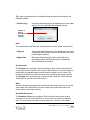
Component
Component refers to all multimedia content that S3 MagicView
supports. New components may be added into S3 MagicView
by registering the corresponding plug-in.
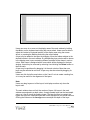
Components
Layout
A layout contains all multimedia content and display information. After
layouts are assigned to a schedule, the Client that is assigned to the
PRO-MINI S3 MagicView User Manual
Page 8