1
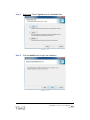
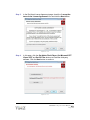
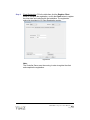
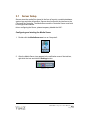
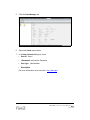
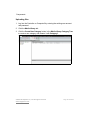
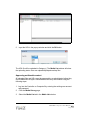
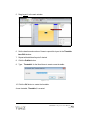
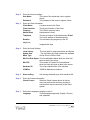
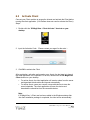
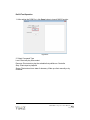
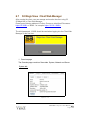
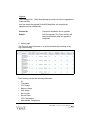
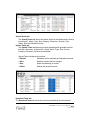
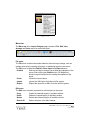
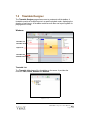
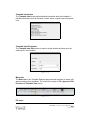
4. Select the Upload Media button on the menu bar.
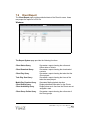
Figure 3.3-2
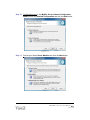
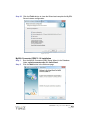
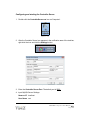
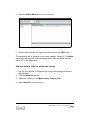
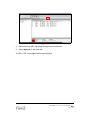
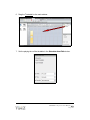
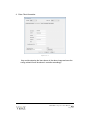
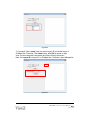
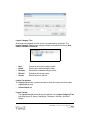
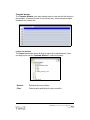
5. Select the file to upload in the pop-up window and click the Open button.
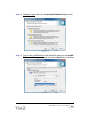
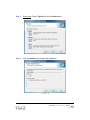
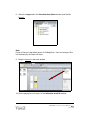
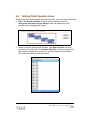
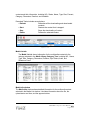
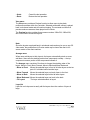
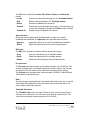
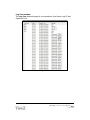
The selected file will be uploaded to the current category, Category1. The Media
List window will show the current uploading status. User can upload pictures,
video, PPT, Flash files and etc.
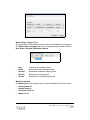
Adding a website (URL) for multimedia content
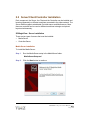
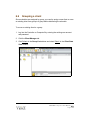
1. Log into the Controller on Computer3 by entering the existing user account
and password.
2. Click the Media Library tab.
3.
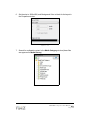
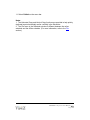
Select the Category1 in the Media Library Category Tree.
4.
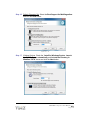
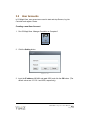
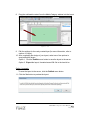
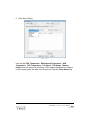
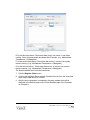
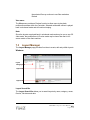
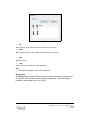
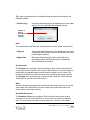
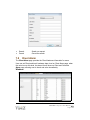
Select Add URL on the menu bar.
PRO-MINI S3 MagicView User Manual
Page 54