1
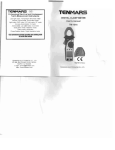
TeNMARS
TM-196
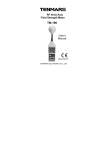
Axis RF Meter Quick Start Guide
This meter has many capabilities,
including memory, alarm, date/time,
average etc. which will require so me study
of the manual to use properly. However,
you can quickly and easily begin making
measurements right out of the box. Just
follow these simple steps:
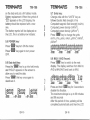
1. Insert 9V battery.
2. Turn meter on with GREEN button.
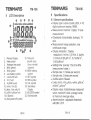
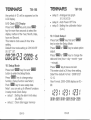
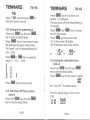
3. Press XYXlMEM button until all three
(XYZ) letters are displayed on the
screen (to the left of the main number.
4. Press UNIT/ENTER button until the
desired units are displayed below the
main number (we recommend using
mV/m ... and we recommend a
maximum level of 614 mV/m for
prolonged exposure).
TeNMARS
1
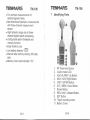
Introduction
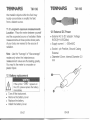
This meter is designed for measuring and
monitoring Radio-Frequency
electromagnetic field strength . The meter
is cali brated precisely over the frequency
range of 10Mz-8GHZ.
2
Simple a method of operation
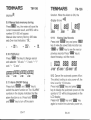
Press "power" button on.To change
measuring unit (mV/m), push UNIT"button to
change the unit.Electric field strength
(V/m).Computed magnetic field strength
(mA/m).Computed power density
(mw/m 2}COmputed power density
(l.JW/cm ).
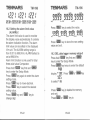
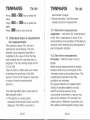
Press "xyz" this key to change sensor axis
selector
"All axis " -- "X axis" -- "Y axis" -- "Z axis". You are now ready to make your first
measurements!
EN-1
TM-196
EN-2