1
Searching: An Overview
Searching: An Overview
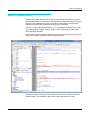
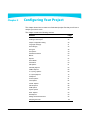
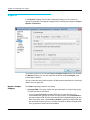
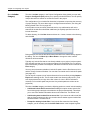
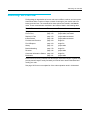
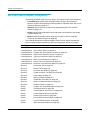
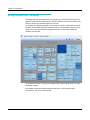
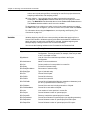
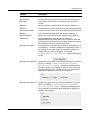
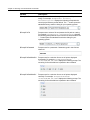
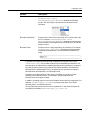
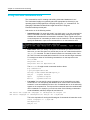
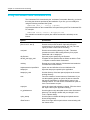
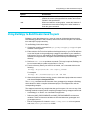
Finding things in large bodies of source code can be difficult, tedious, and error prone.
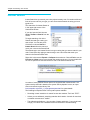
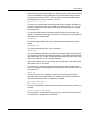
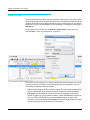
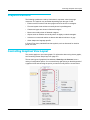
Understand offers a number of ways to search for strings in your source code or to
locate particular lines. The commands for these options are located in the Search
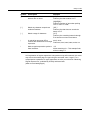
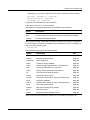
menu. These commands are described in the locations listed in the following table:
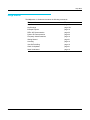
Search Command
See
Comments
Entity Locator
page 155
project-wide, entity-based
Find in Files
page 150
project-wide, text-based
Replace in Files
page 153
project-wide text-based
Instant Search
page 148
project-wide text-based
Find Next and Previous
page 163
single file
Find & Replace
page 163
single file
History
page 161
project-wide
Bracket Matching
page 178
single file
Favorites
page 142
project-wide
Contextual Information Sidebar
page 164
single file
Bookmarks
page 181
project-wide
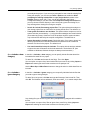
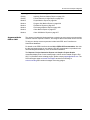
Each of these searching methods has advantages and disadvantages. Together they
provide powerful ways to easily find what you need to find to better understand and
modify your code.
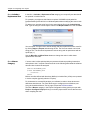
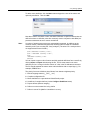
See page 128 for a more complete list of the code exploration tools in Understand.
Understand 4.0 User Guide and Reference Manual
147