1
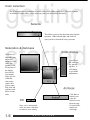
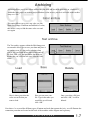
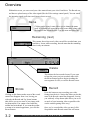
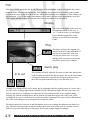
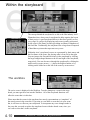
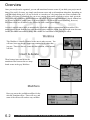
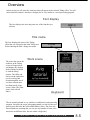
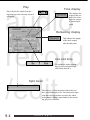
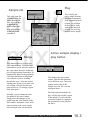
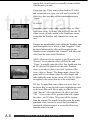
Play
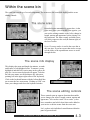
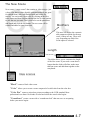
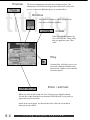
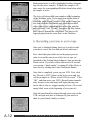
Time display
audio
record
/edit
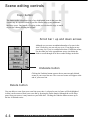
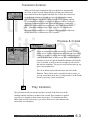
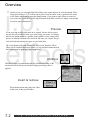
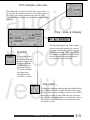
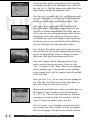
Play will play the sample from the
beginning up to the currently selected
split point.
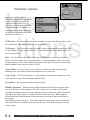
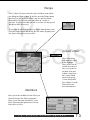
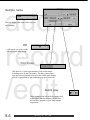
This displays the
length of the portion of the scene
up to the currently selected split
point.
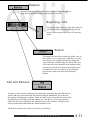
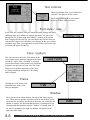
Remaining display
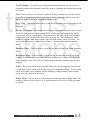
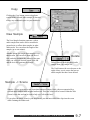
This indicates the length
of the audio sample
after the split point.
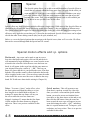
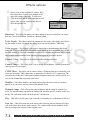
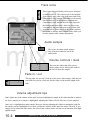
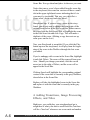
Use and drop
Use retains the audio segment
that you just scrolled through,
while Drop discards it.
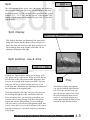
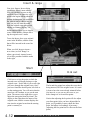
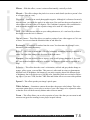
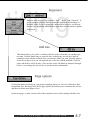
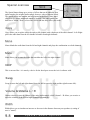
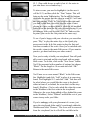
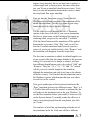
Split meter
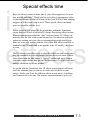
This meter is a visual depiction of the audio you
have scrolled through so far. The blue portion represents the selected portion in regard to the whole
audio sample (which is represented by the remaining gray area of the bar).
9.4
audio
split