1
Messaging FAQ
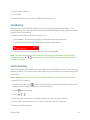
See the below FAQ if you are unable to reply to a message via your desired application.
Why can't I reply to my friend using Facebook or Messenger on the same thread?
If you're friends with someone on Facebook or Messenger, you may have several different contact profiles for the same person. Their phone number, Facebook, and Messenger info may be stored as different contacts on your phone. In this case, you need to link these contacts manually.
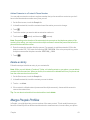
Open the People app and link them. For details, see Merge People Profiles.
Copy and Paste a Message
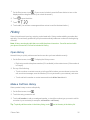
You can copy a previous message and paste it into the new message you're composing.
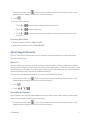
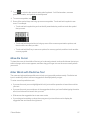
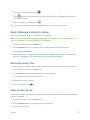
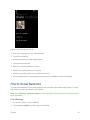
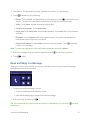
1. On the Start screen, touch .
2. In the threads list, touch a contact (or phone number) to display the exchange of messages with that contact.
3. Touch and hold the message you want to copy, and then touch copy.
4. Touch the text box where you're composing your new message.
5. To paste the copied message, touch .
Manage Messages and Conversations
You can forward a message or delete messages when your message list gets cluttered.
Forward a Message
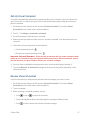
1. On the Start screen, touch .
2. In the threads list, touch a contact (or phone number) to display the exchange of messages with that contact.
3. Touch and hold the message you want to forward, and then touch forward.
4. Fill in the recipient.
5. Touch to send.
Accounts and Messaging
60