1
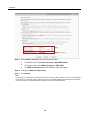
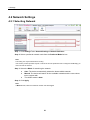
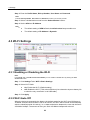
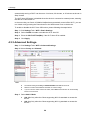
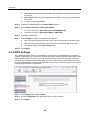
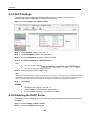
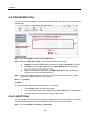
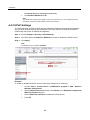
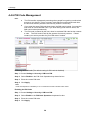
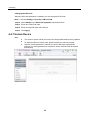
4 Settings 4.2 Network Settings 4.2.1 Selecting Network Step 1 Click Settings Tab > Network Settings > Network Selection. Step 2 Select a preferred network mode from the Preferred Mode list box. Note: This setting can only be altered when roaming. If the service provider provides only 2G or 3G service and the preferred mode is configured as 4G only, you cannot access the Internet. Step 3 Select the Mode for searching the network. Auto: The device automatically selects the best available network. Manual: The device will search for the available networks and the user selects one to register with. The default mode is Auto. Step 4 Click Apply. Note: In Manual mode, select the searched network and click Log on. 21