1
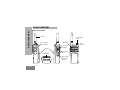
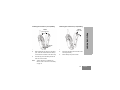
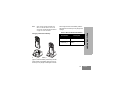
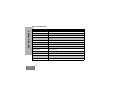
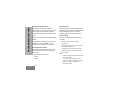
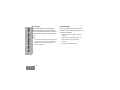
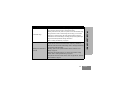
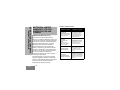
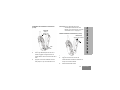
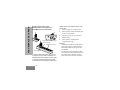
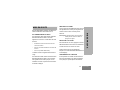
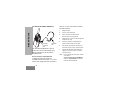
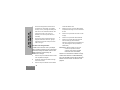
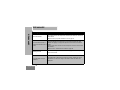
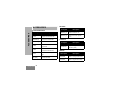
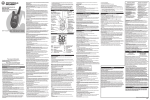
On/Off/Volume Knob
Side Buttons
Used to turn the radio ON or OFF and to adjust
the radio’s volume.
Push-to-Talk (PTT) Button
•
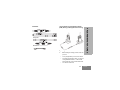
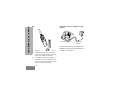
Used to connect compatible audio accessories.
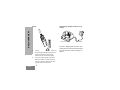
Side Button 1 (SB1)
•
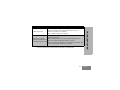
Model Label
Indicates the model of the radio.
Microphone
Speak clearly into the microphone when
sending a message.
Antenna
On all RM Series radios, the antenna is nonremovable.
LED Indicator
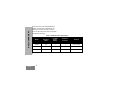
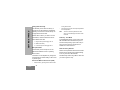
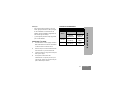
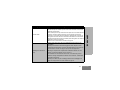
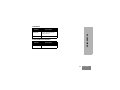
The Side Button 1 is a general button that can be
configured by the Customer Programming
Software - CPS. The default setting of SB1 is
‘Monitor’.
Side Button 2 (SB2)
•
The Side Button 2 is a general button that can be
configured by the CPS. The SB2 default setting is
‘scroll Down’ until the desired channel is selected.
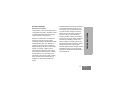
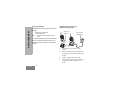
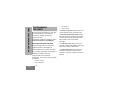
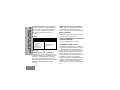
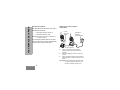
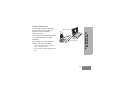
The Lithium-Ion (Li-Ion) Battery
RADIO OVERVIEW
Accessory Connector
Press and hold down this button to talk, release it
to listen.
RM Series comes with a Li-Ion battery. For
more information, see “Battery Features” on
page 13.
Used to give battery status, power-up status,
radio call information and scan status.
11
English