1
CDS-PRM002.book Page 1 Friday, January 16, 2009 11:02 AM
7
Assigning Systems to Plants
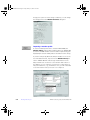
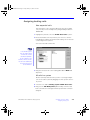
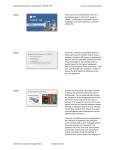
In this section of the program, you identify which system coils
will be served by the plants that have been created. Only coils
relevant to the system type and selected options are displayed.
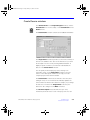
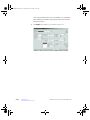
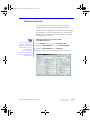
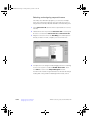
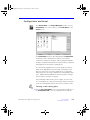
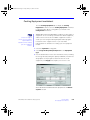
Assign the coils in much the same way that rooms are assigned
to systems, that is, drag-and-drop the coils onto the plant that will
serve them. You may drag either an entire set of coils or
individual coils. We will use both of these techniques in the
continuation of our tutorial.
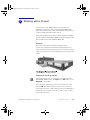
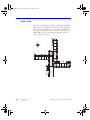
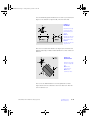
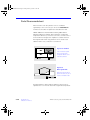
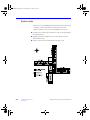
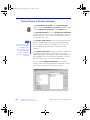
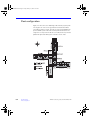
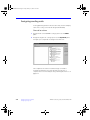
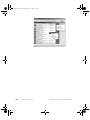
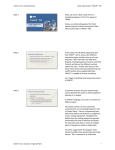
For your convenience, the Washington Elementary School
schematic is repeated here.
CDS-PRM002-EN • TRACE 700 Getting Started
Assigning Systems to Plants
7–1